1097cc9c84
add chat channel images
add compilation docs
fixed incorrect section organization of agent docs
fixed duplicate text issues.
2.4 KiB
sidebar_position, title, sidebar_label, slug, sidebar_custom_props
| sidebar_position | title | sidebar_label | slug | sidebar_custom_props | ||
|---|---|---|---|---|---|---|
| 2 | Dialogue Component | Dialogue Component | /dialogue_component |
|
Dialogue Component
Reply Message Component
The message is used to output static or dynamic messages to users, and is usually used as the final component of a workflow. It can directly write fixed text, or insert upstream variables.
Configuration Method
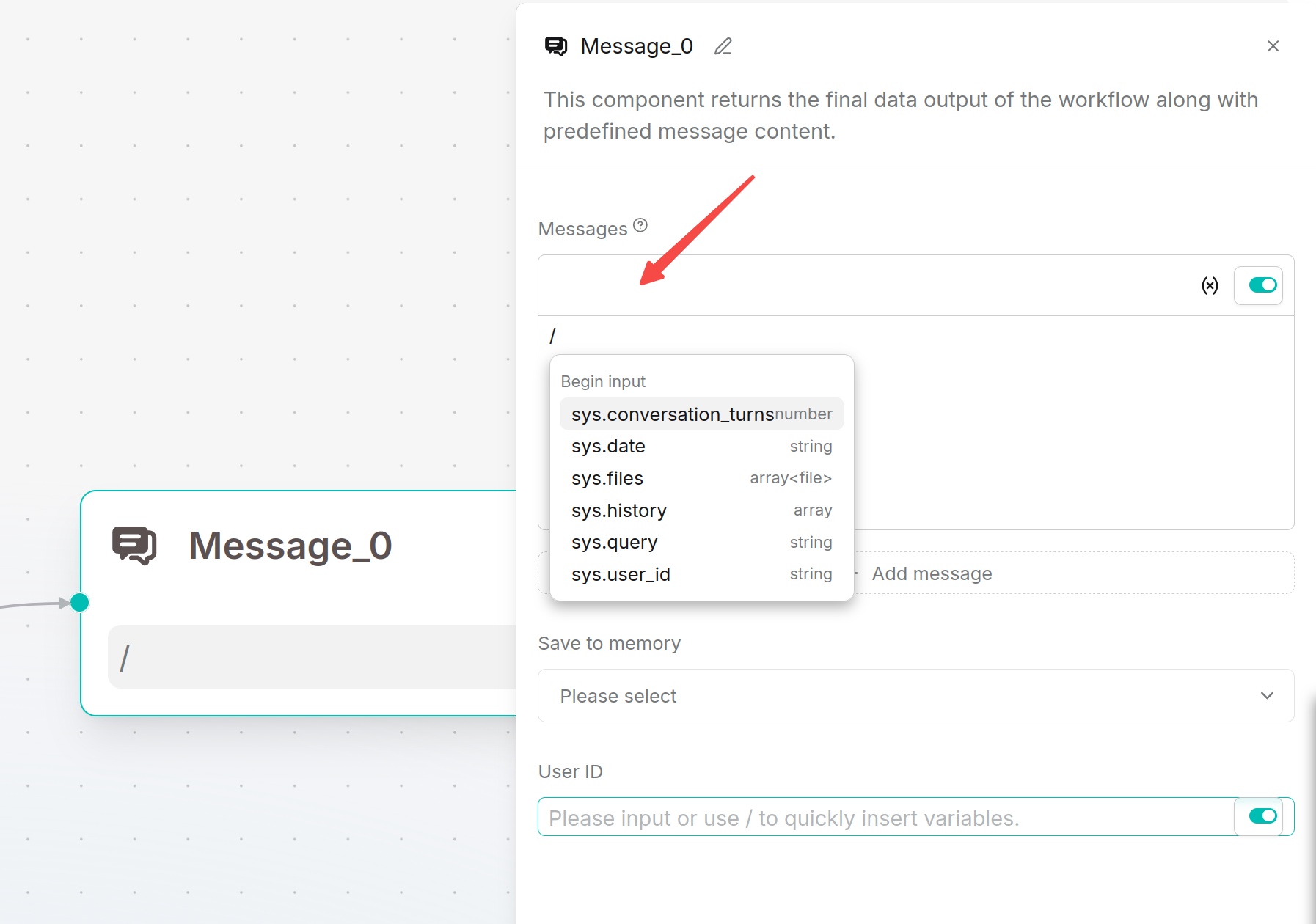
Write the output content in the message. Type / or click the variable button to insert component outputs.
If multiple messages are added, the system randomly selects one of them to send. When the Begin component selects Webhook and the response method is Final response, the reply message component can set an HTTP status code in the range of 200 to 399.
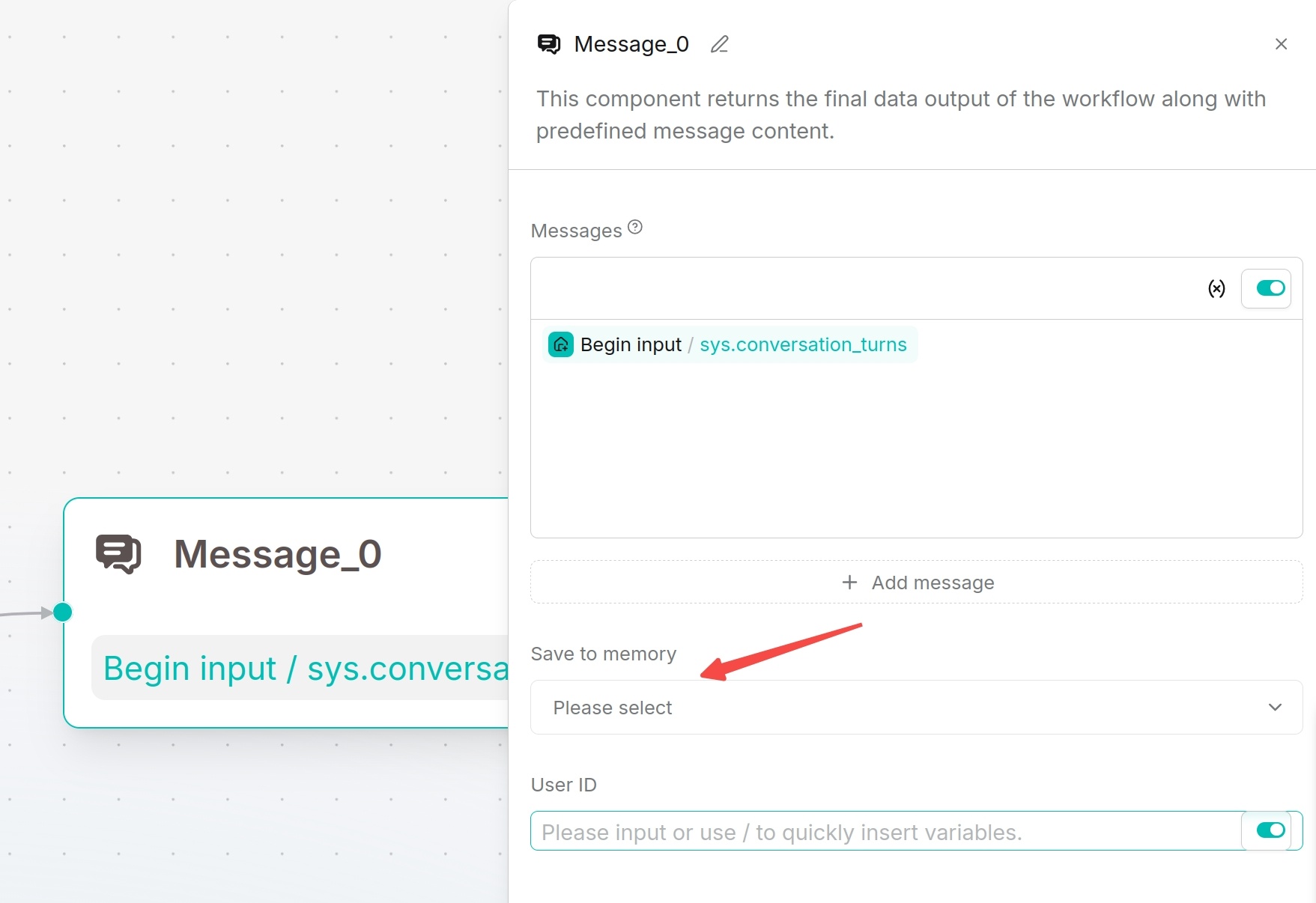
Save to Memory
The reply message component can choose to save to memory, storing the conversation in the specified memory. After enabling User ID, conversations can be associated with user IDs, and subsequent knowledge retrieval can query related memories by user ID.
Applicable Scenarios
This component is suitable for outputting final answers, branch hints, fallback replies, or displaying intermediate processing results to users.
Output Result
The message outputs the configured text or variable content to the conversation window, webhook response, or embedded page.
Await Response Component
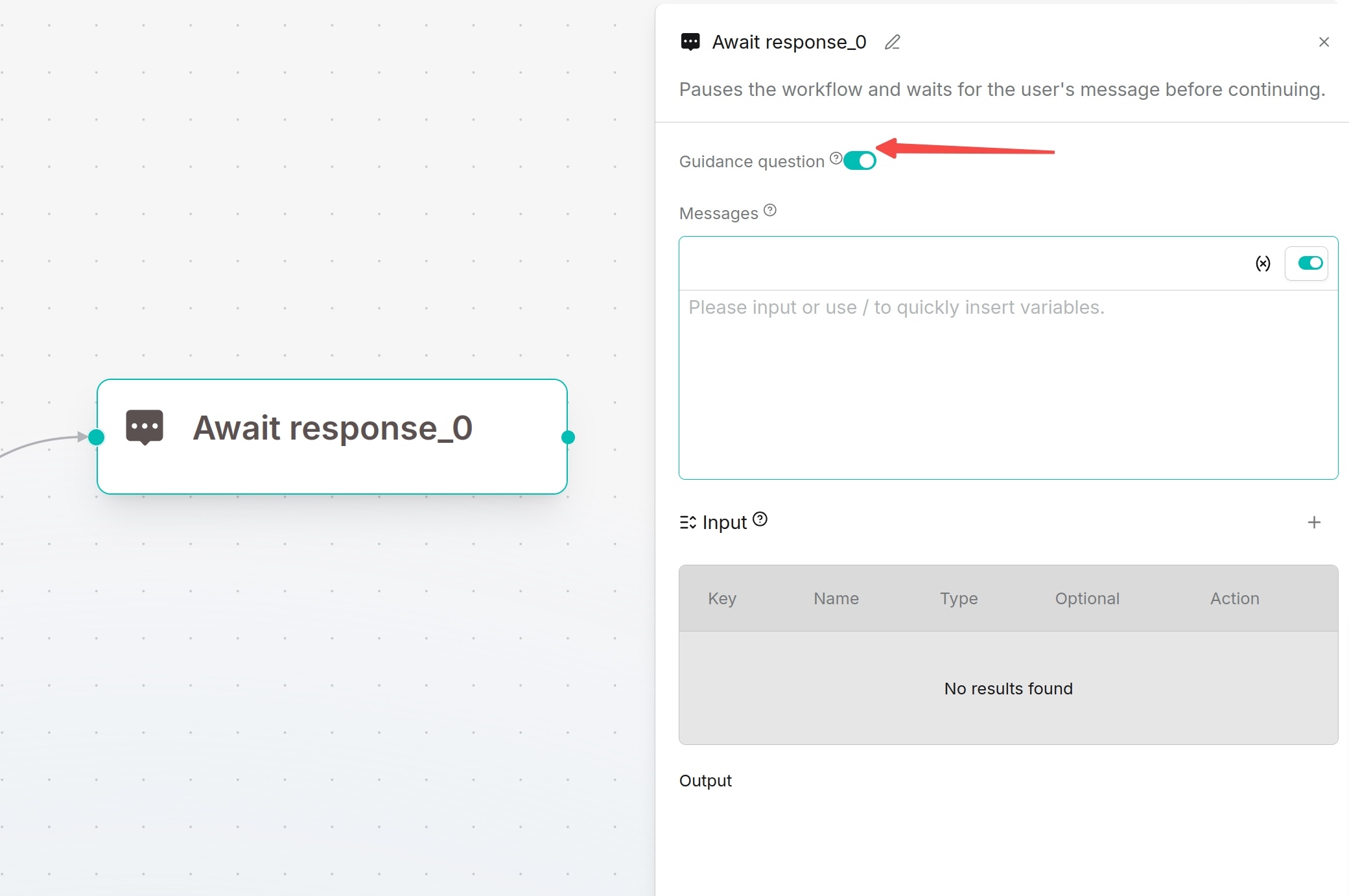
Await Response pauses the workflow and waits for users to supplement information. Suitable for multi-turn dialogue, form collection, confirmation operations or file upload requirements.
Configuration Method
Define prompt messages to guide users. Input supports the same variable types as Begin: single-line text, paragraph text, dropdown options, file upload, number and boolean.
Recommendations:
- Dropdown options: Select business categories
- Paragraph text: Collect detailed requirement descriptions
- File upload: Receive contracts, reports or screenshots
- Boolean: Confirm continue/cancel operations