mirror of
https://github.com/infiniflow/ragflow.git
synced 2026-08-24 09:00:13 +08:00
52 lines
2.4 KiB
Markdown
52 lines
2.4 KiB
Markdown

|
---
|
||
|
|
sidebar_position: 2
|
||
|
|
title: Dialogue Component
|
||
|
|
sidebar_label: Dialogue Component
|
||
|
|
slug: /dialogue_component
|
||
|
|
sidebar_custom_props: {
|
||
|
|
categoryIcon: RagAiAgent
|
||
|
|
}
|
||
|
|
---
|
||
|
|
|
||
|
|
# Dialogue Component
|
||
|
|
|
||
|
|
## Reply Message Component
|
||
|
|
|
||
|
|
The message is used to output static or dynamic messages to users, and is usually used as the final component of a workflow. It can directly write fixed text, or insert upstream variables.
|
||
|
|
|
||
|
|
### Configuration Method
|
||
|
|
|
||
|
|
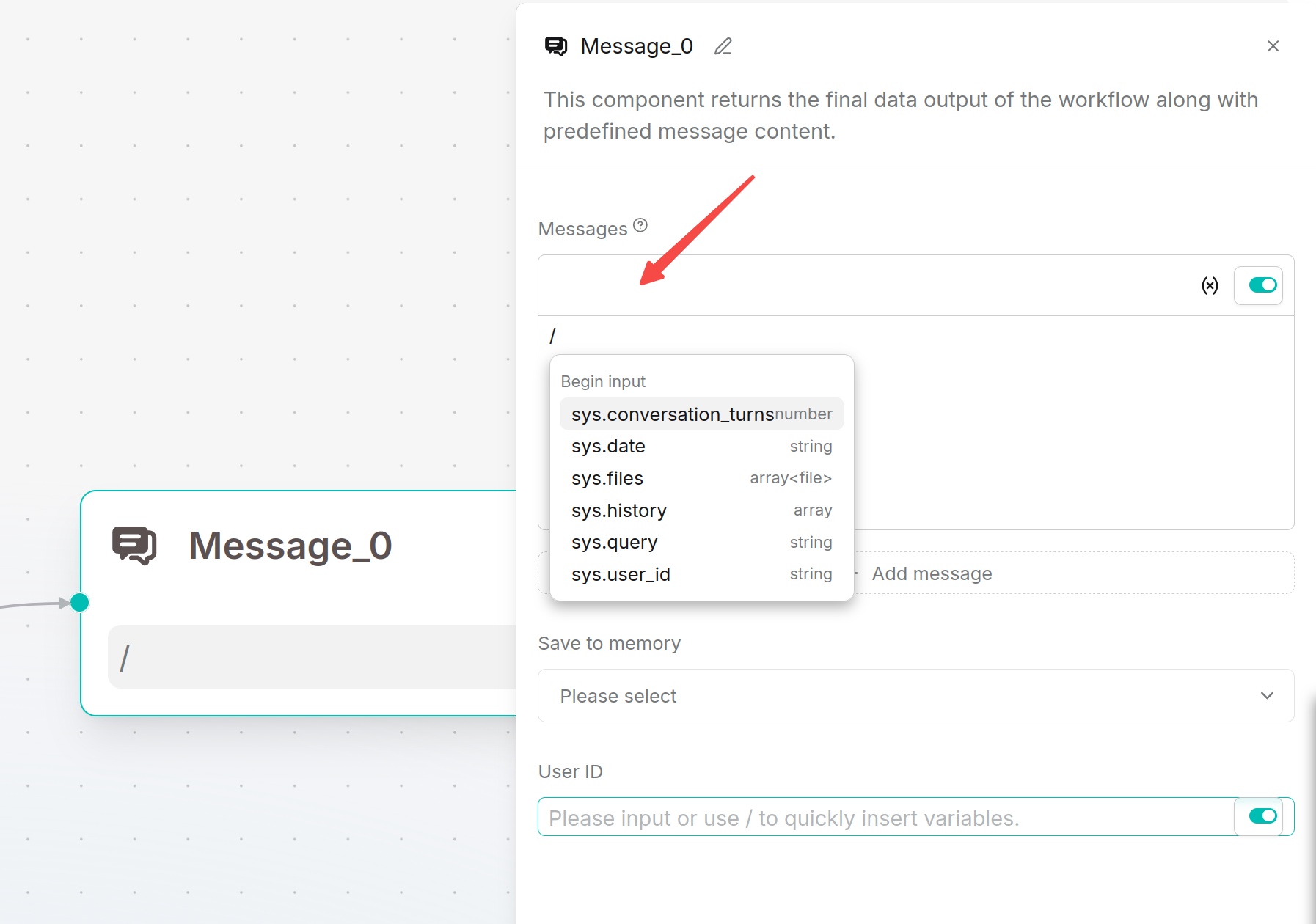
Write the output content in the message. Type `/` or click the variable button to insert component outputs.
|
||
|
|
|
||
|
|
If multiple messages are added, the system randomly selects one of them to send. When the `Begin` component selects `Webhook` and the response method is `Final response`, the reply message component can set an HTTP status code in the range of 200 to 399.
|
||
|
|
|
||
|
|
|
||
|
|
|
||
|
|
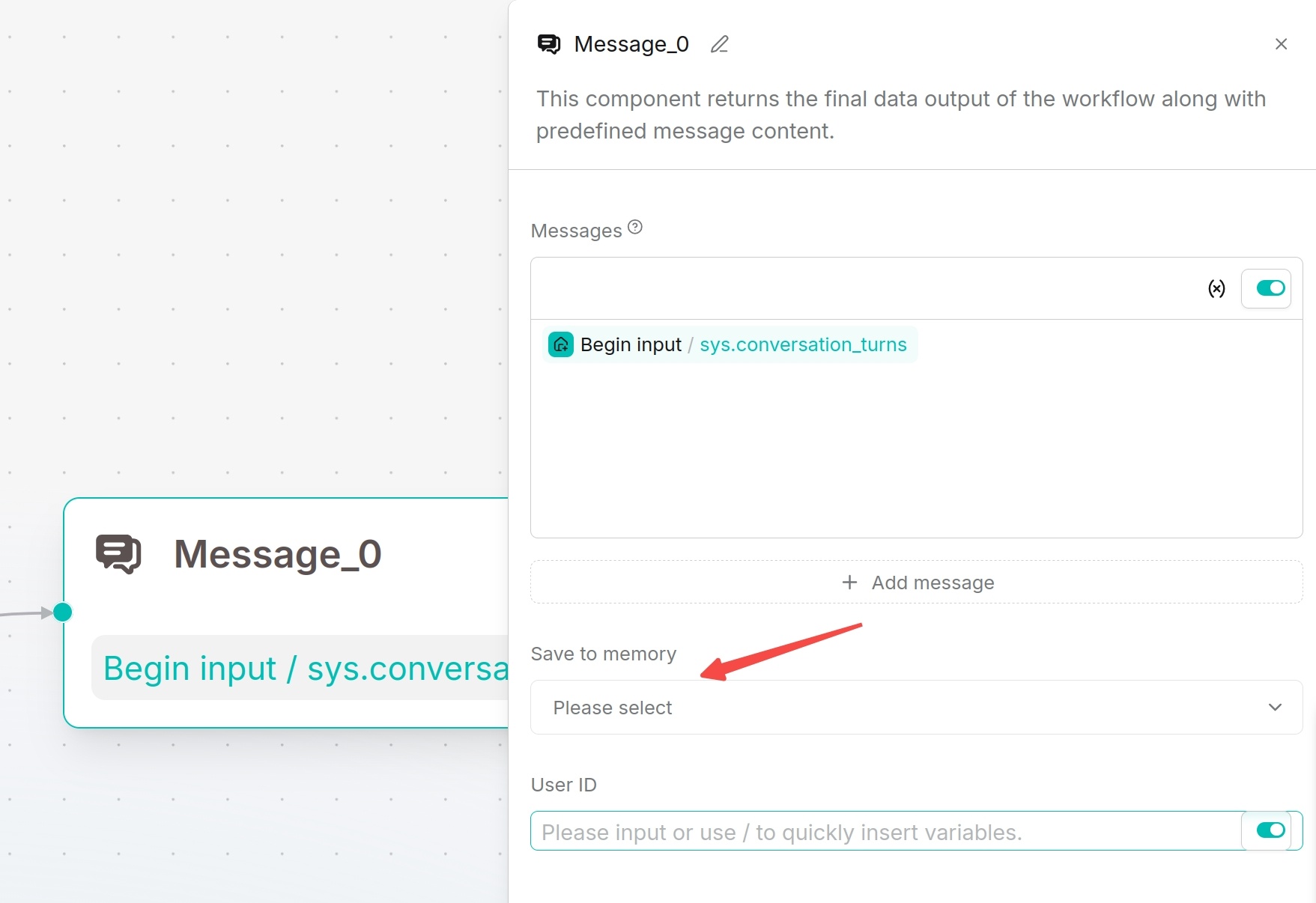
### Save to Memory
|
||
|
|
|
||
|
|
The reply message component can choose to save to memory, storing the conversation in the specified memory. After enabling **User ID**, conversations can be associated with user IDs, and subsequent knowledge retrieval can query related memories by user ID.
|
||
|
|
|
||
|
|
### Applicable Scenarios
|
||
|
|
|
||
|
|
This component is suitable for outputting final answers, branch hints, fallback replies, or displaying intermediate processing results to users.
|
||
|
|
|
||
|
|
### Output Result
|
||
|
|
|
||
|
|
The message outputs the configured text or variable content to the conversation window, webhook response, or embedded page.
|
||
|
|
|
||
|
|
|
||
|
|
|
||
|
|
## Await Response Component
|
||
|
|
Await Response pauses the workflow and waits for users to supplement information. Suitable for multi-turn dialogue, form collection, confirmation operations or file upload requirements.
|
||
|
|
|
||
|
|
### Configuration Method
|
||
|
|
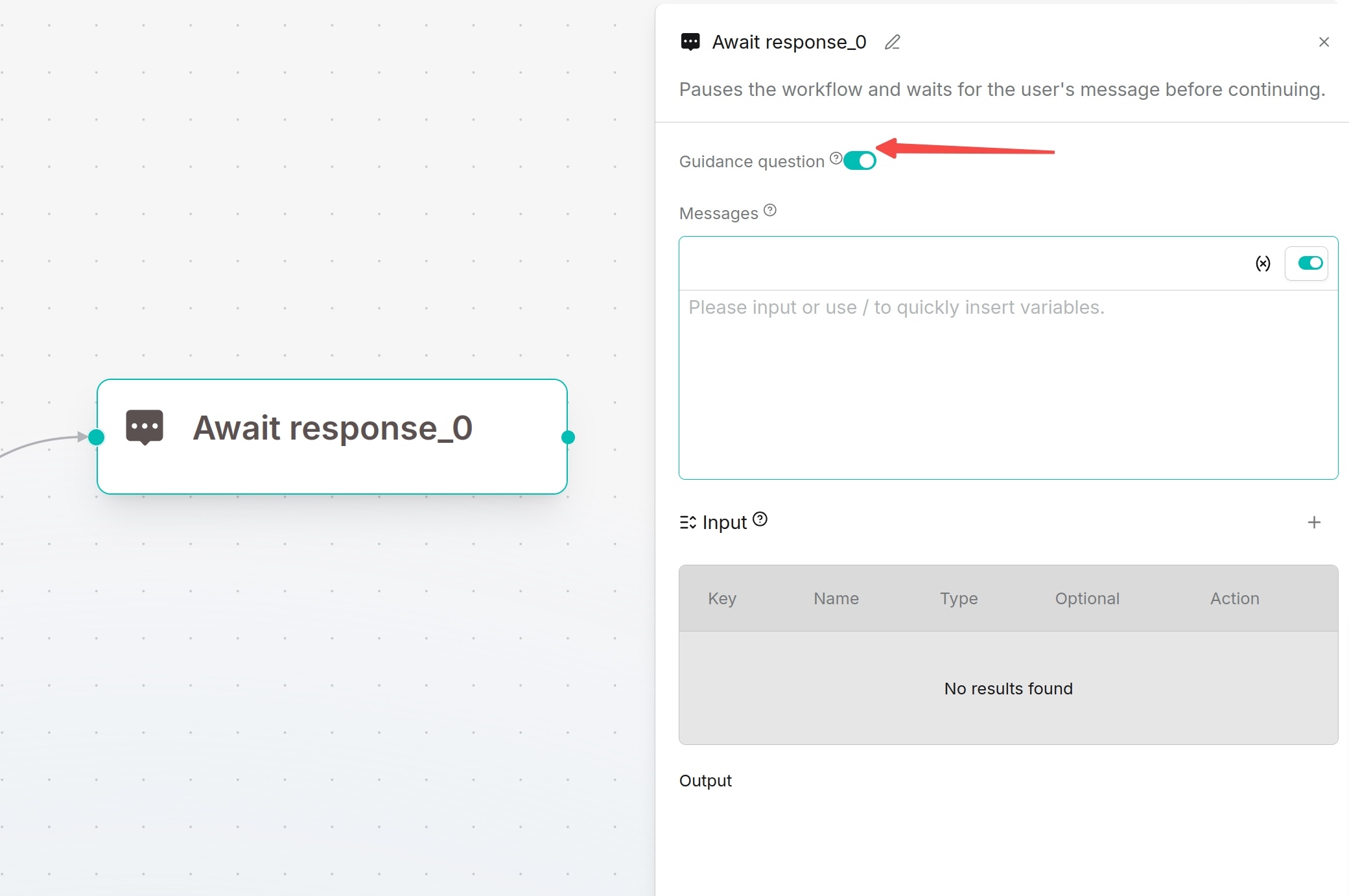
Define prompt messages to guide users. Input supports the same variable types as Begin: single-line text, paragraph text, dropdown options, file upload, number and boolean.
|
||
|
|
|
||
|
|
Recommendations:
|
||
|
|
- Dropdown options: Select business categories
|
||
|
|
- Paragraph text: Collect detailed requirement descriptions
|
||
|
|
- File upload: Receive contracts, reports or screenshots
|
||
|
|
- Boolean: Confirm continue/cancel operations
|
||
|
|
|
||
|
|
|