mirror of
https://github.com/infiniflow/ragflow.git
synced 2026-08-03 22:30:31 +08:00

627 B
627 B
sidebar_position, sidebar_label
| sidebar_position | sidebar_label |
|---|---|
| 4 | Remove members |
Remove members
The team owner can remove members from the team.
To remove a member:
- Open the Team page.
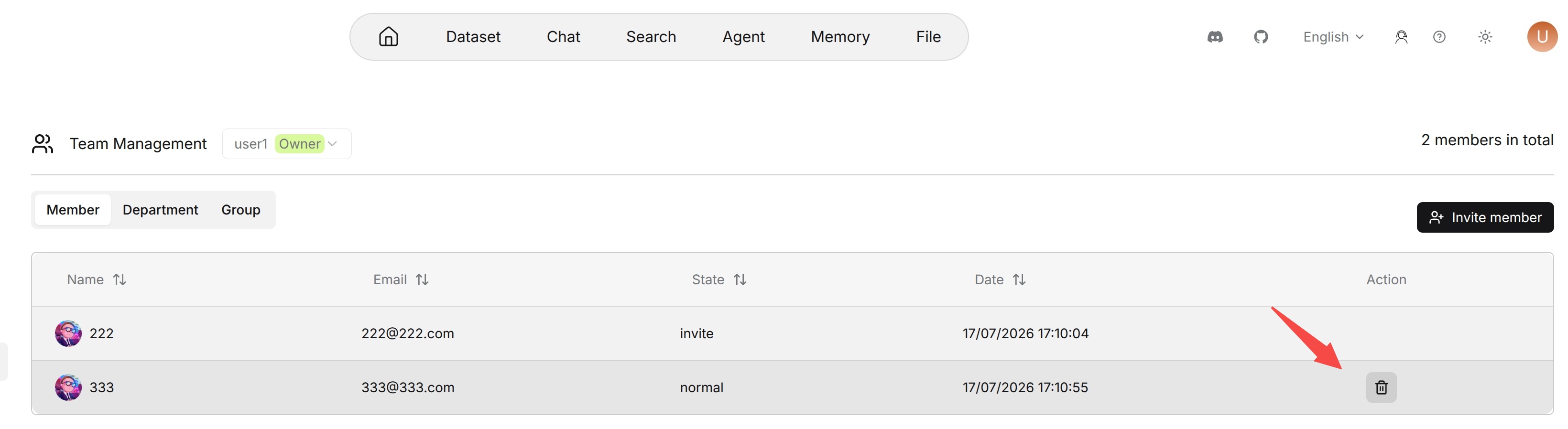
- Find the member in the Team members list.
- Click the delete action in the Action column.
- Confirm the operation.
The workspace owner cannot be removed from the workspace. Removing a member does not delete the member's personal resources, but it affects the member's access to resources that are shared only within the team.