mirror of
https://github.com/infiniflow/ragflow.git
synced 2026-08-05 07:10:29 +08:00

1.2 KiB
1.2 KiB
sidebar_position, slug, sidebar_custom_props
| sidebar_position | slug | sidebar_custom_props | ||
|---|---|---|---|---|
| 2 | /create_from_template |
|
Create from Template
RAGFlow provides Agent templates for different business scenarios. When creating from a template, the system presets common components and connections. Users only need to modify models, knowledge bases, prompts, interface addresses or output content.
Steps:
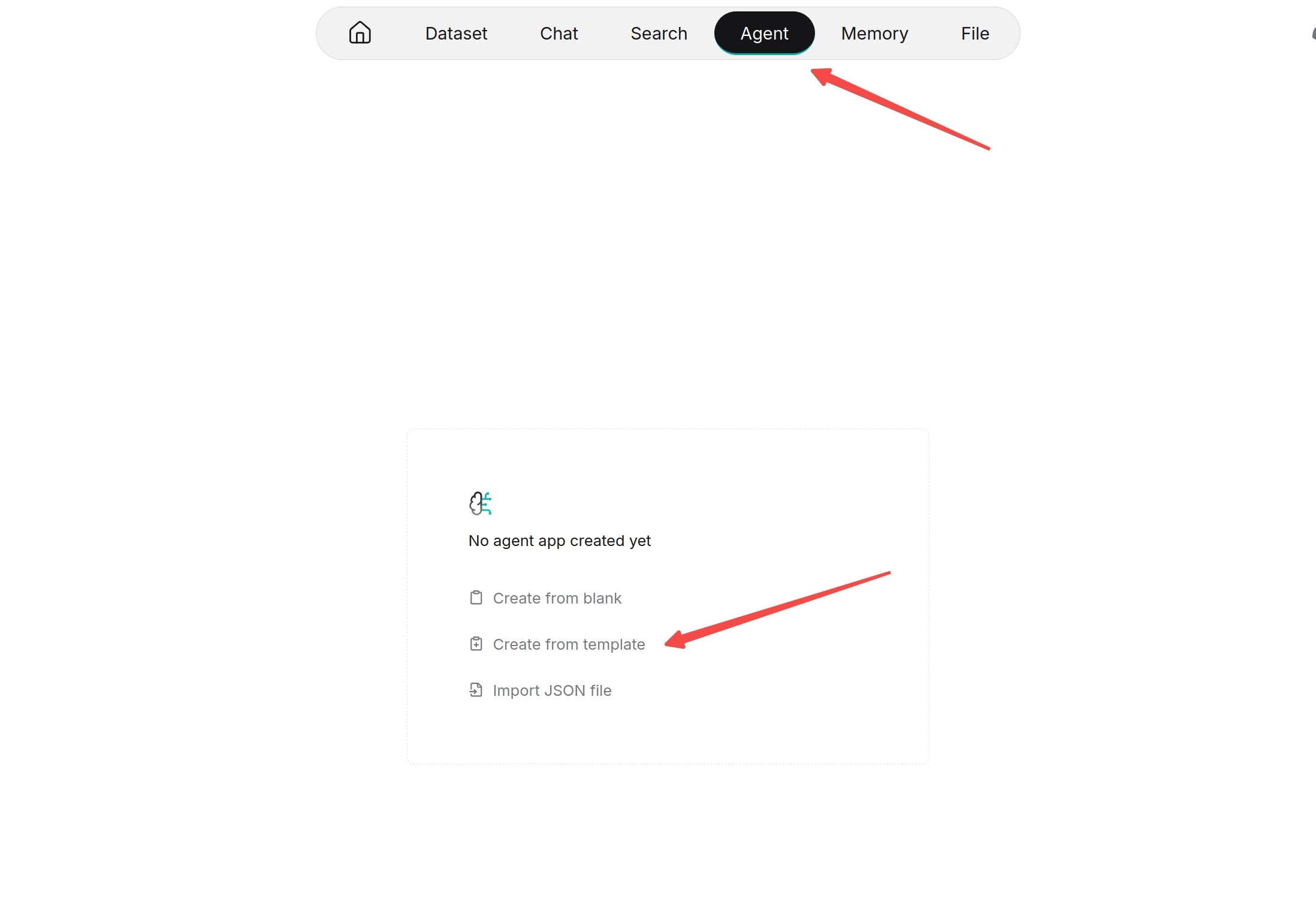
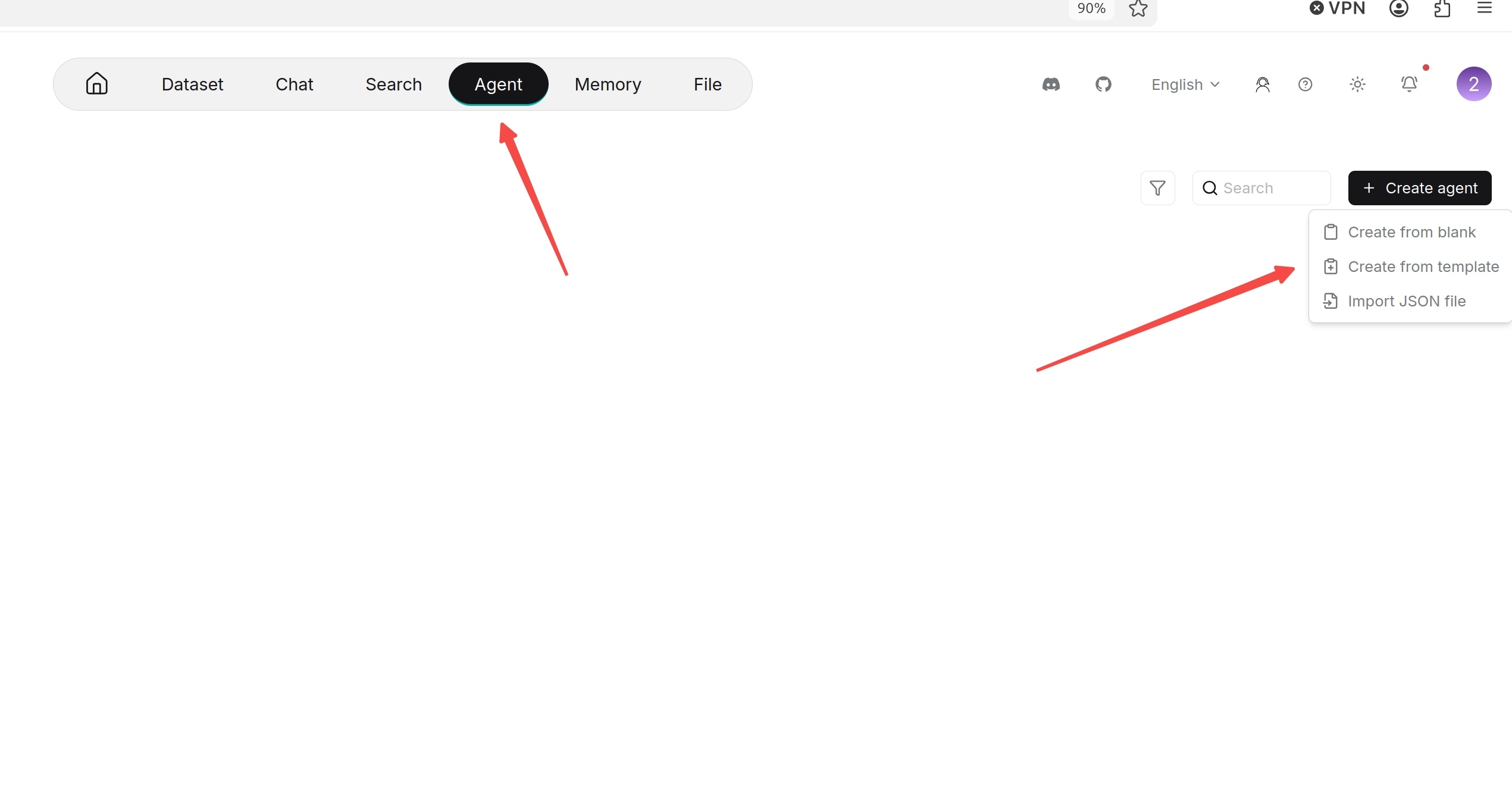
- Enter the Agent page.
- Click Create agent.
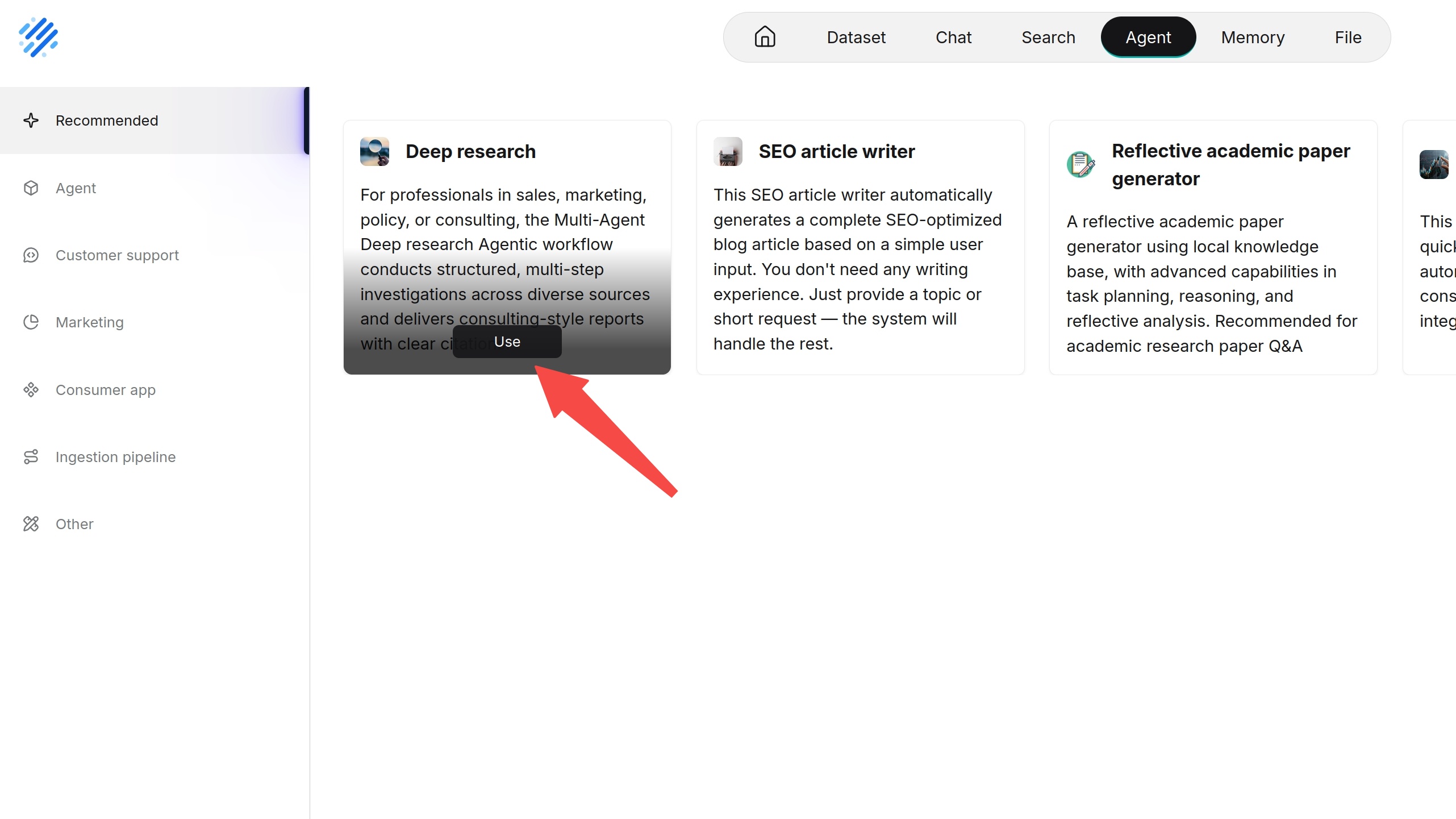
- Select an appropriate template on the template page, such as Deep Research, Knowledge Base Q&A, Data Analysis or E-commerce Customer Service template.
- Enter the Agent name.
- Click OK.
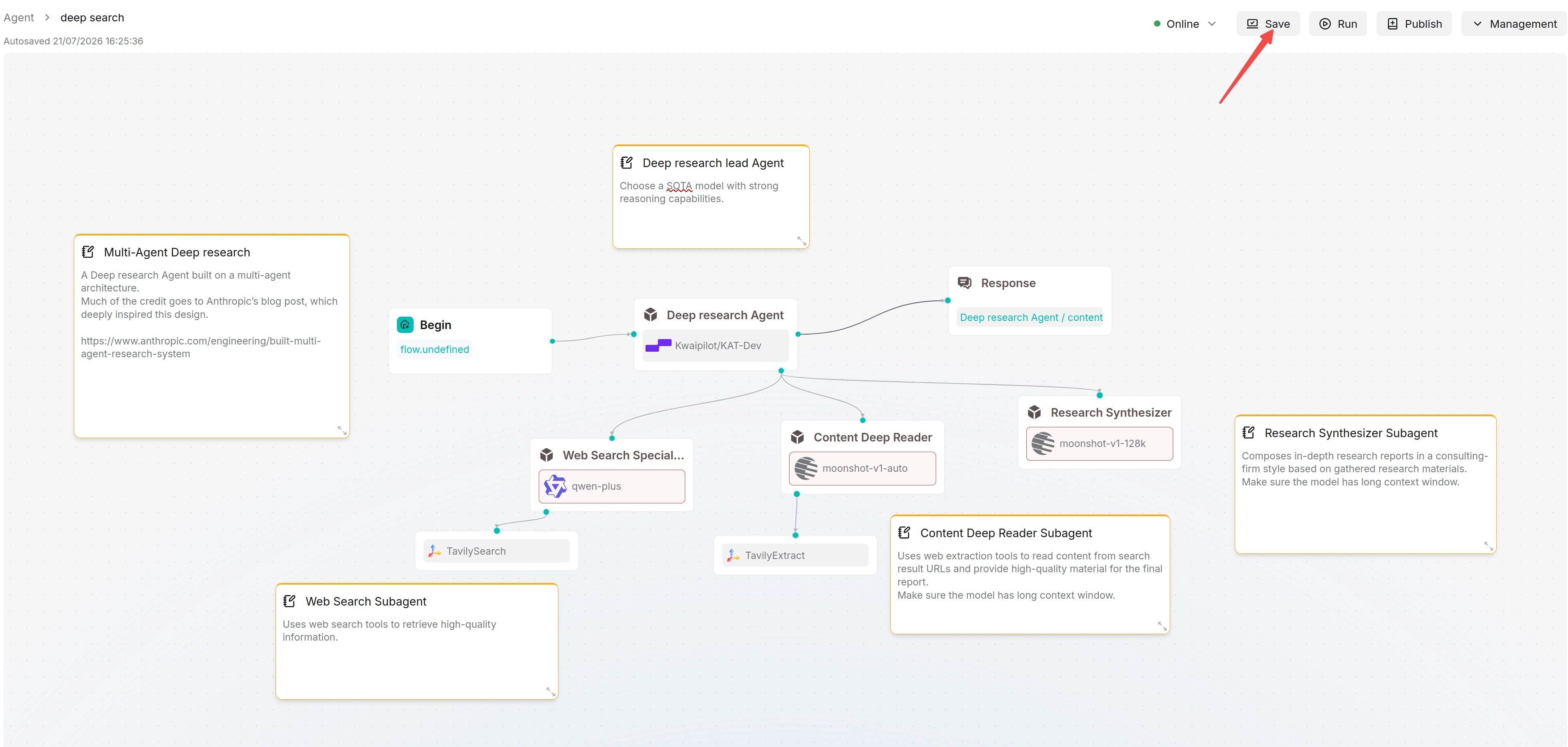
- After entering the canvas, check the configuration of each component and save.