 Enrico Toniato
192d193803
Enrico Toniato
192d193803
Bring back typed Hono routes/middleware with server.fetch as the serving
boundary, restore deprecated response helpers for upgrades, and require
useCallTool names to resolve against mcp-env.d.ts ToolRefs (with
useDynamicTool + mcp-use typecheck as the escape hatch).
26 KiB








About
mcp-use is the fullstack MCP framework to build MCP Apps for ChatGPT / Claude & MCP Servers for AI Agents.
- Build with mcp-use SDK (ts | py): MCP Servers and MCP Apps
- Preview on mcp-use MCP Inspector (online | oss): Test and debug your MCP Servers and Apps
- Deploy on Manufact MCP Cloud: Connect your GitHub repo and have your MCP Server and App up and running in production with observability, metrics, logs, branch-deployments, and more
Documentation
Visit our docs or jump to a quickstart (TypeScript | Python)
V2 TypeScript beta
V2 prereleases are published from reviewed pull requests merged into the beta branch, using GitHub OIDC trusted publishing. They use npm's beta dist tag and do not change latest or canary.
npm install mcp-use@beta @mcp-use/client@beta @mcp-use/agent@beta
npm install @mcp-use/cli@beta @mcp-use/inspector@beta
npm create mcp-use-app@beta
Skills for Coding Agents
Using Claude Code, Codex, Cursor or other AI coding agents?
Quickstart: MCP Servers and MCP Apps
 TypeScript

Build your first MCP Server or MPC App:
npx create-mcp-use-app@latest
Or create a server manually:
import { MCPServer, text } from "mcp-use/server";
import { z } from "zod";

const server = new MCPServer({
  name: "my-server",
  version: "1.0.0",
});

export const getWeather = server.tool(
  {
    name: "get_weather",
    description: "Get weather for a city",
    schema: z.object({ city: z.string() }),
  },
  async ({ city }) => {
    return text(`Temperature: 72°F, Condition: sunny, City: ${city}`);
  },
);

await server.listen(3000);
// MCP endpoint at http://localhost:3000/mcp
→ Full TypeScript Server Documentation
MCP Apps
MCP Apps let you build interactive views that work across Claude, ChatGPT, and other MCP clients.
Server: bind a tool to a view and return its structured output:
import { MCPServer } from "mcp-use";
import { z } from "zod";

const server = new MCPServer({
  name: "weather-app",
  version: "1.0.0",
});

export const getWeather = server.tool(
  {
    name: "get-weather",
    description: "Get weather for a city",
    inputSchema: z.object({ city: z.string() }),
    outputSchema: z.object({
      city: z.string(),
      temperature: z.number(),
      conditions: z.string(),
    }),
    view: { name: "weather-display" },
  },
  async ({ city }) => {
    const weather = { city, temperature: 22, conditions: "Sunny" };
    return {
      content: [
        { type: "text", text: `Weather in ${city}: Sunny, 22°C` },
      ],
      structuredContent: weather,
    };
  }
);

export default server;
View: create the React component in views/weather-display/view.tsx:
import { useToolContext, useViewTheme } from "mcp-use/react";

interface WeatherOutput {
  city: string;
  temperature: number;
  conditions: string;
}

export default function WeatherDisplay() {
  const view = useToolContext();
  const theme = useViewTheme();
  const isDark = theme === "dark";

  if (view.status === "pending") return <div>Loading...</div>;
  if (view.status === "error") return <div>{view.error.message}</div>;

  const weather = view.toolOutput as WeatherOutput;

  return (
    <div
      style={{
        background: isDark ? "#1a1a2e" : "#f0f4ff",
        borderRadius: 16,
        padding: 24,
      }}
    >
      <h2>{weather.city}</h2>
      <p>
        {weather.temperature}° — {weather.conditions}
      </p>
    </div>
  );
}
Views under views/<name>/view.tsx are discovered by mcp-use dev and
mcp-use build. The tool's view.name binds the result to that view.
Visit MCP Apps Documentation
Templates
Ready-to-use MCP Apps you can deploy in one click or remix as your own.
| Preview | Name | Tools | Demo URL | Repo | Deploy |
|---|---|---|---|---|---|
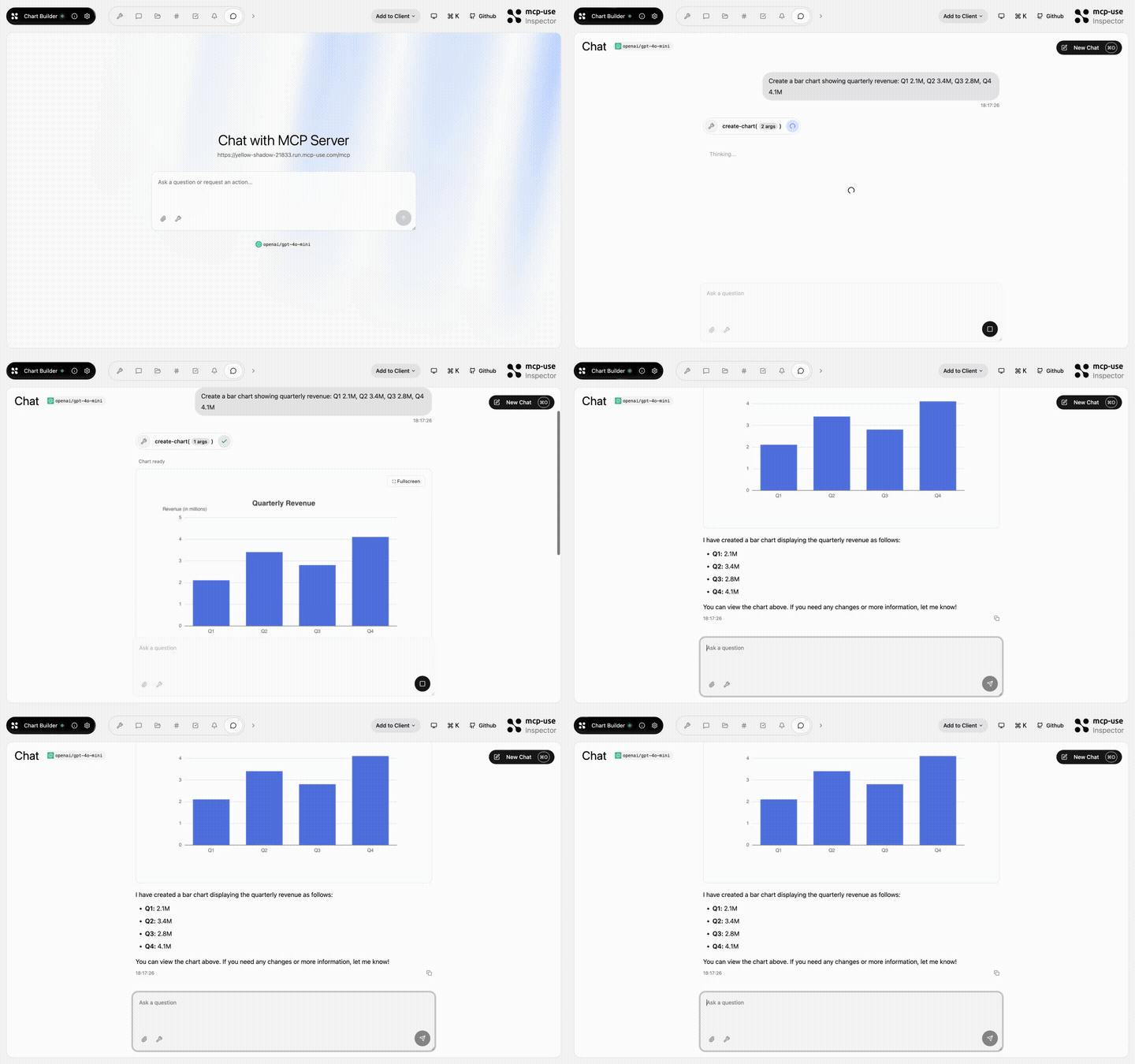 |
Chart Builder | create-chart |
Open URL | mcp-use/mcp-chart-builder |  |
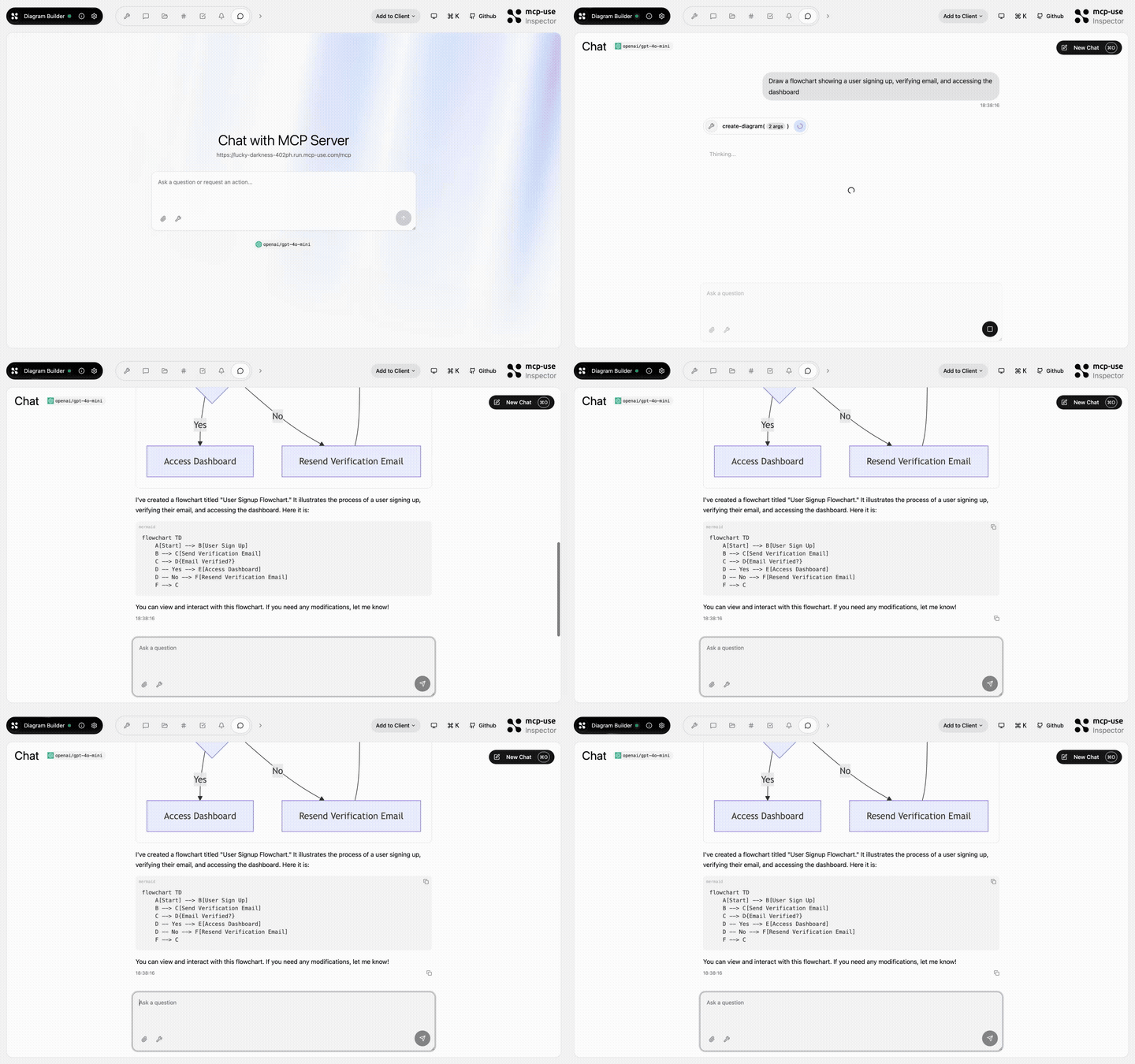 |
Diagram Builder | create-diagram, edit-diagram |
Open URL | mcp-use/mcp-diagram-builder | |
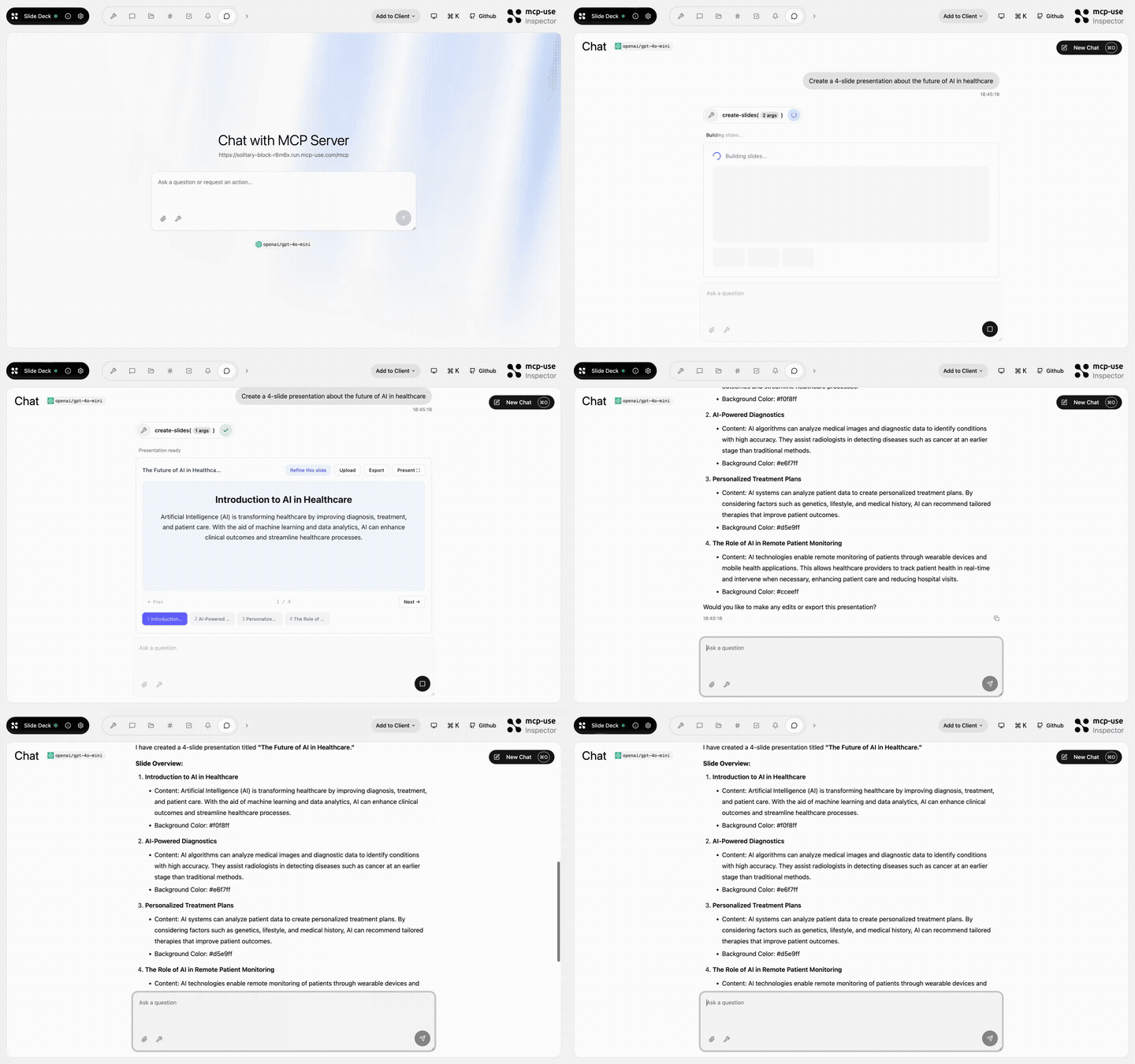 |
Slide Deck | create-slides, edit-slide |
Open URL | mcp-use/mcp-slide-deck | |
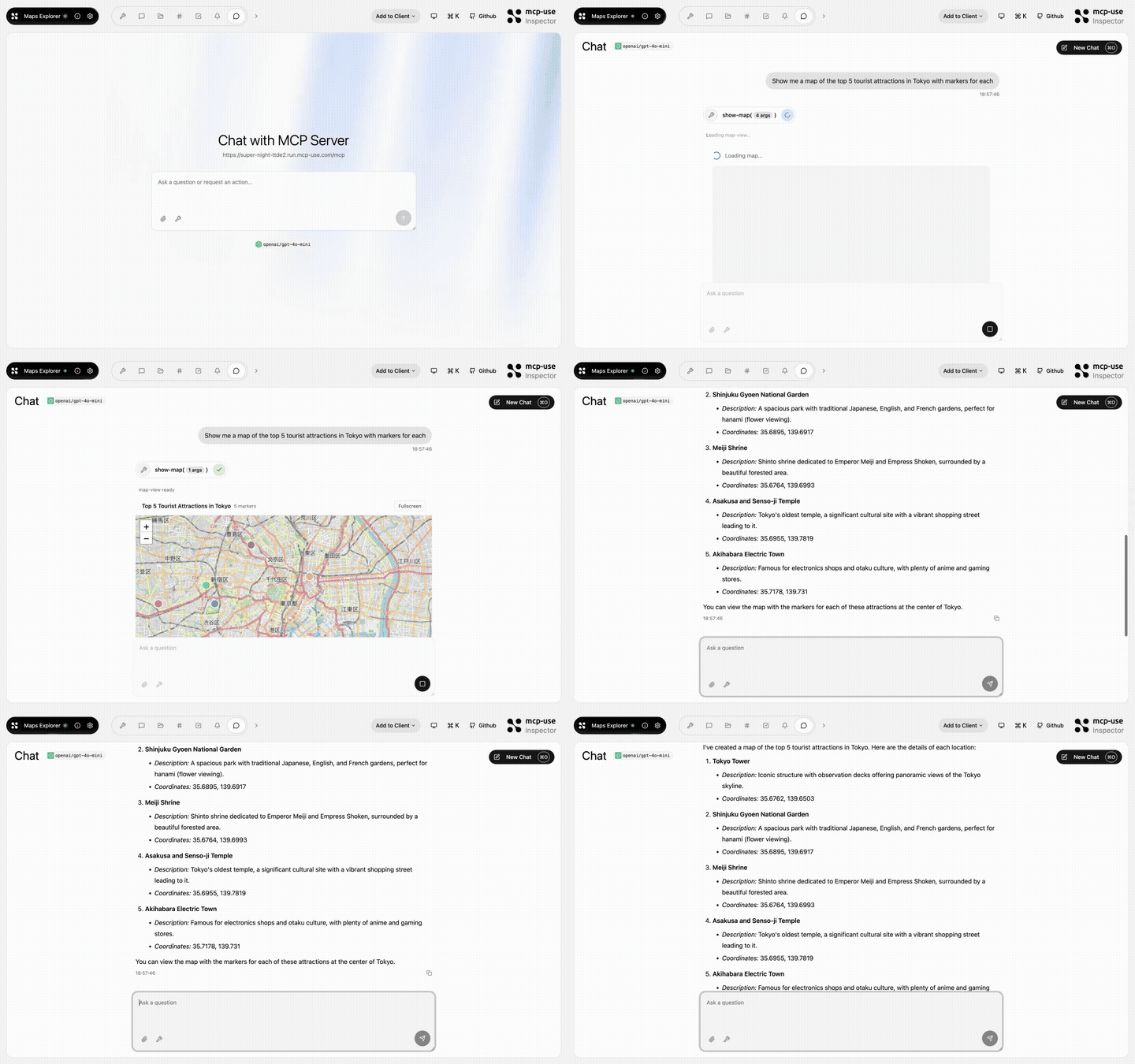 |
Maps Explorer | show-map, get-place-details, add-markers |
Open URL | mcp-use/mcp-maps-explorer | |
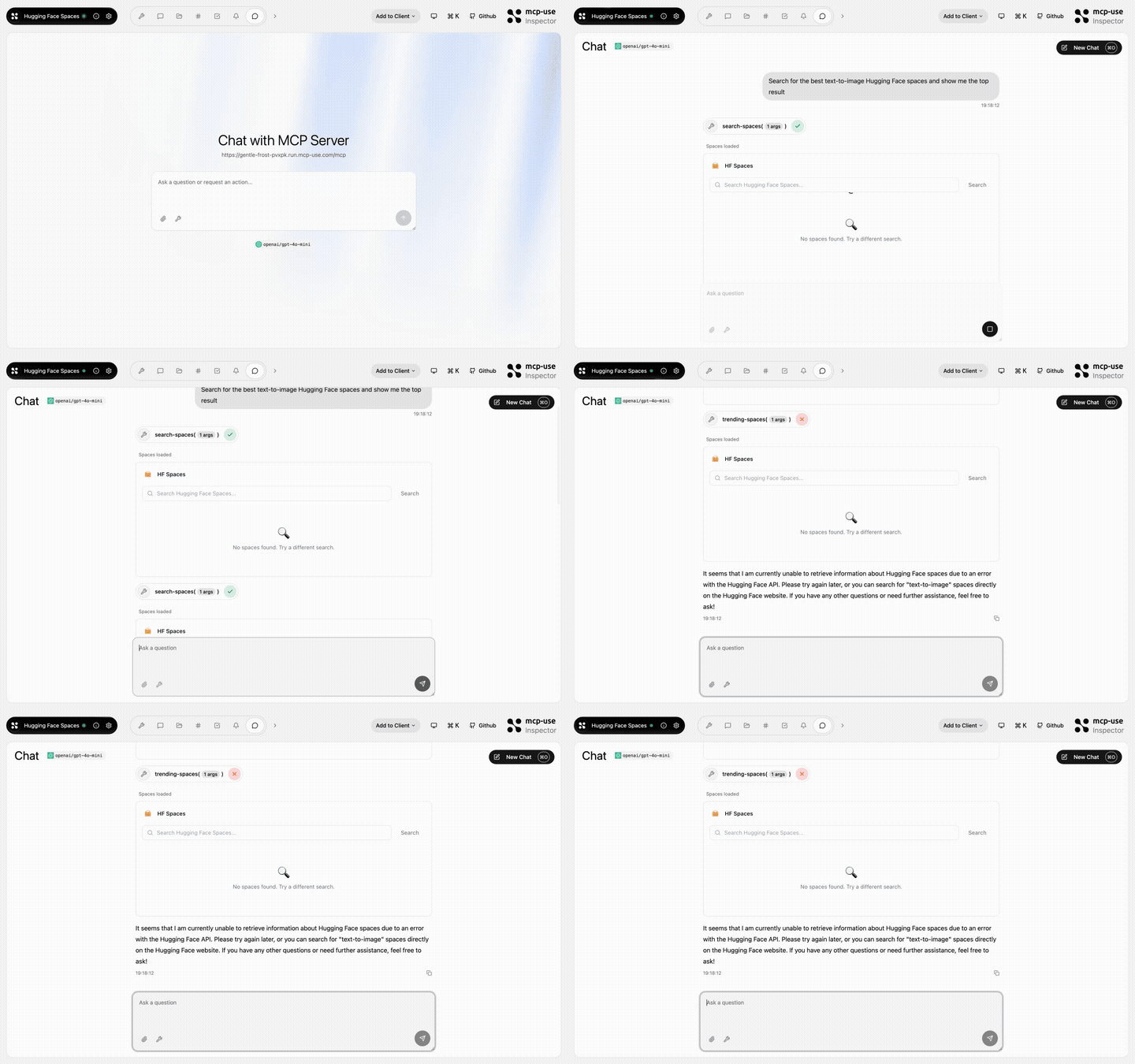 |
Hugging Face Spaces | search-spaces, show-space, trending-spaces |
Open URL | mcp-use/mcp-huggingface-spaces | |
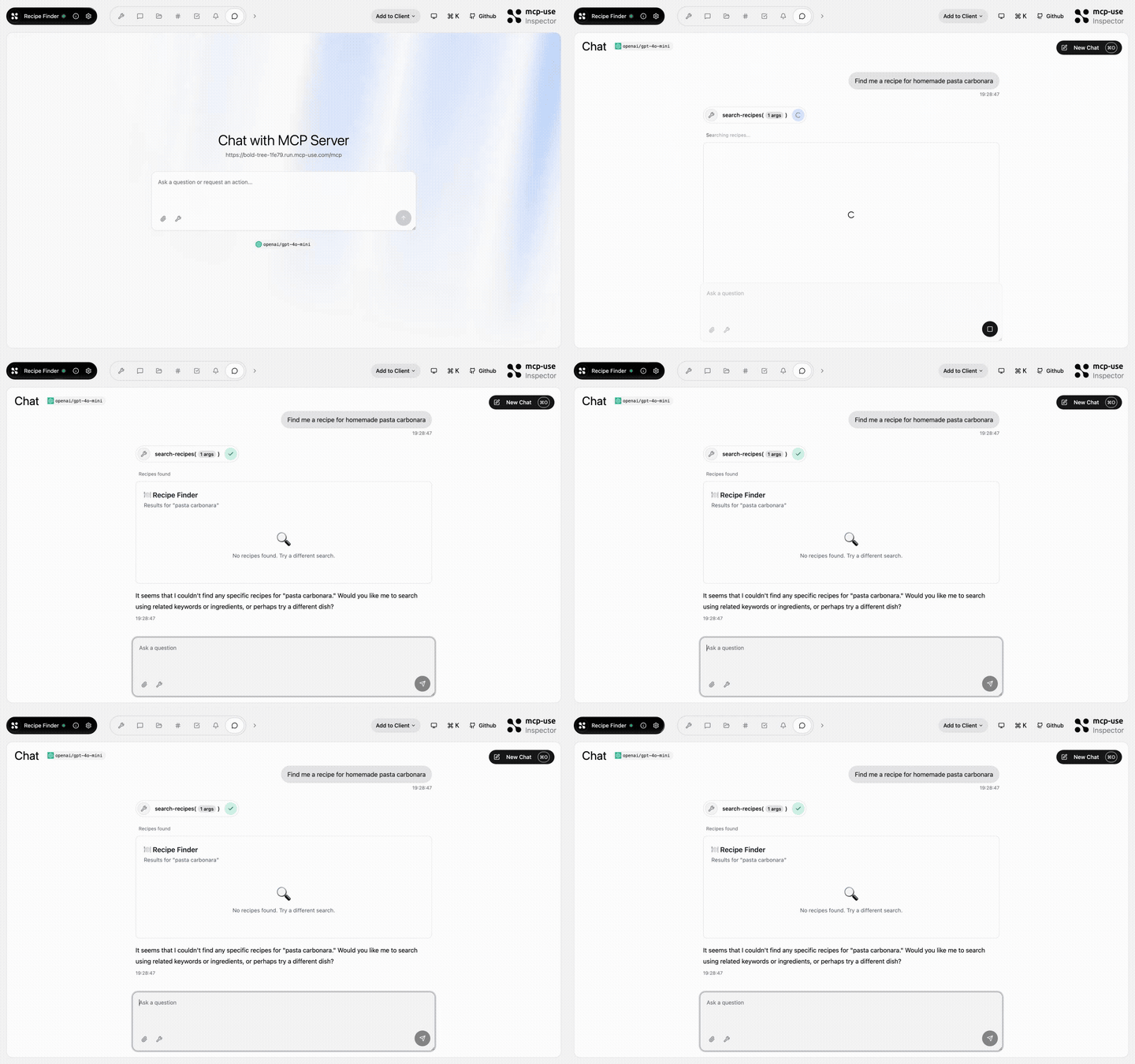 |
Recipe Finder | search-recipes, get-recipe, meal-plan, recipe-suggestion |
Open URL | mcp-use/mcp-recipe-finder | |
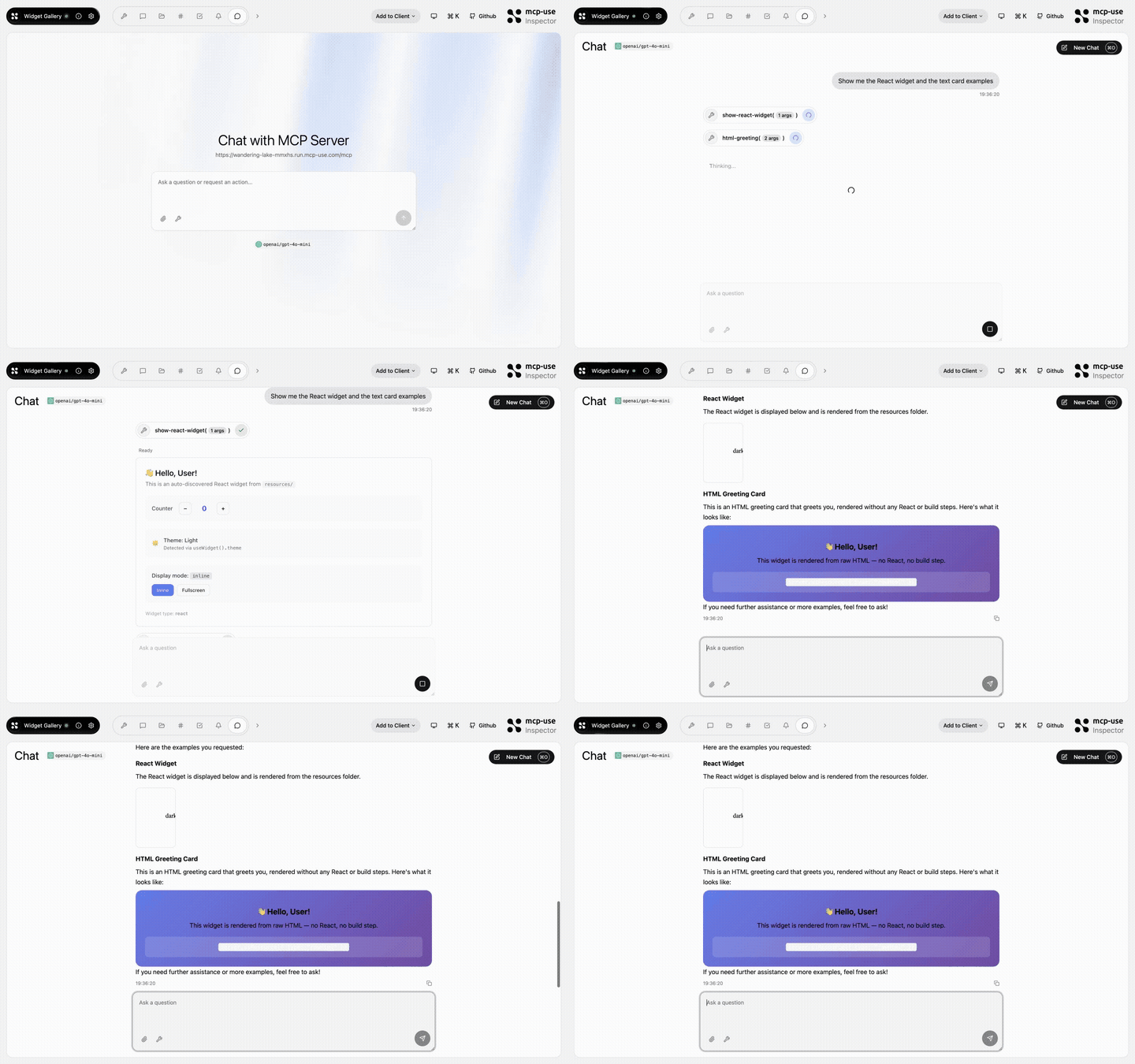 |
Widget Gallery | show-react-widget, html-greeting, mcp-ui-poll, programmatic-counter, detect-client |
Open URL | mcp-use/mcp-widget-gallery | |
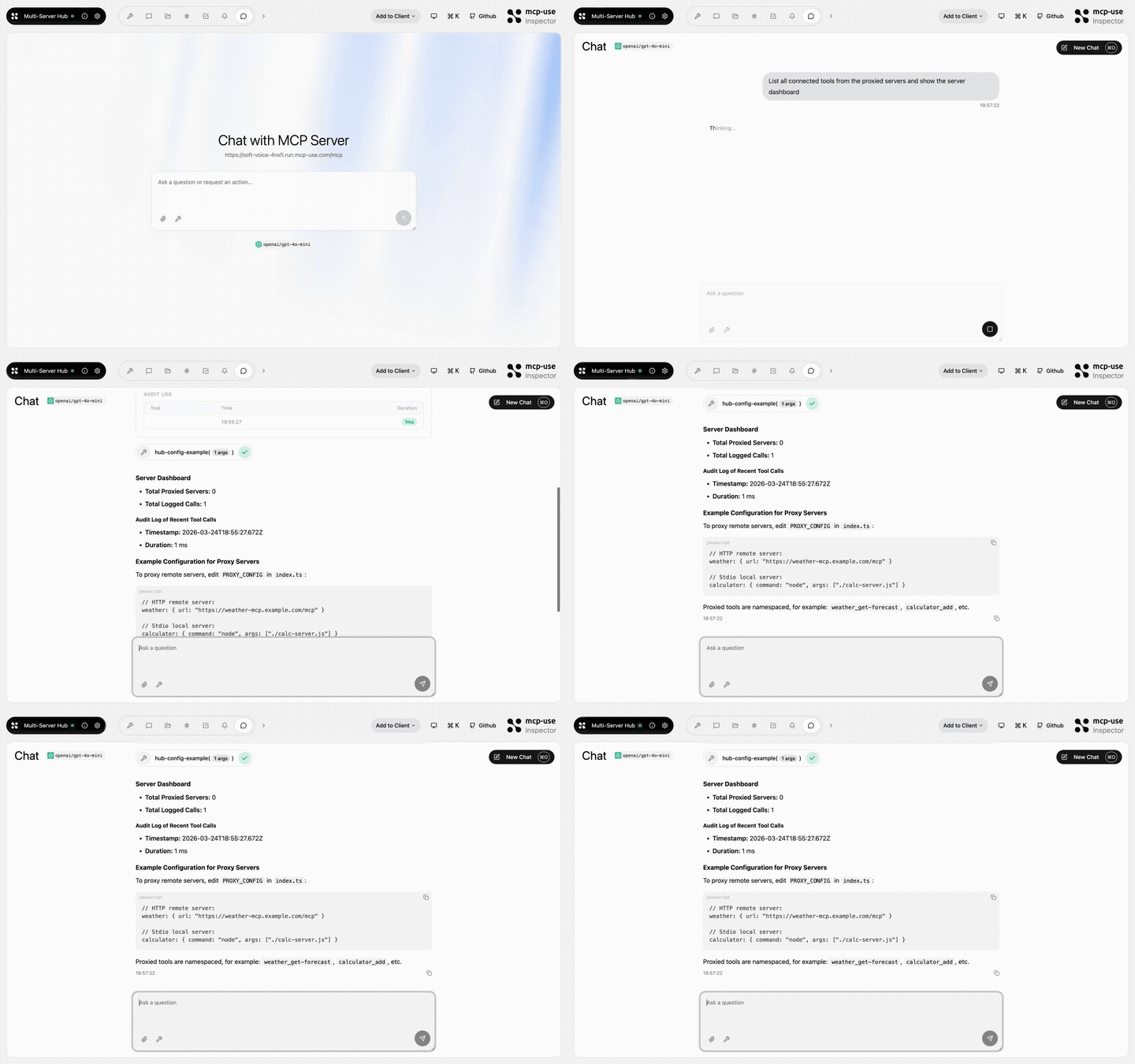 |
Multi Server Hub | hub-status, hub-config-example, audit-log |
Open URL | mcp-use/mcp-multi-server-hub | |
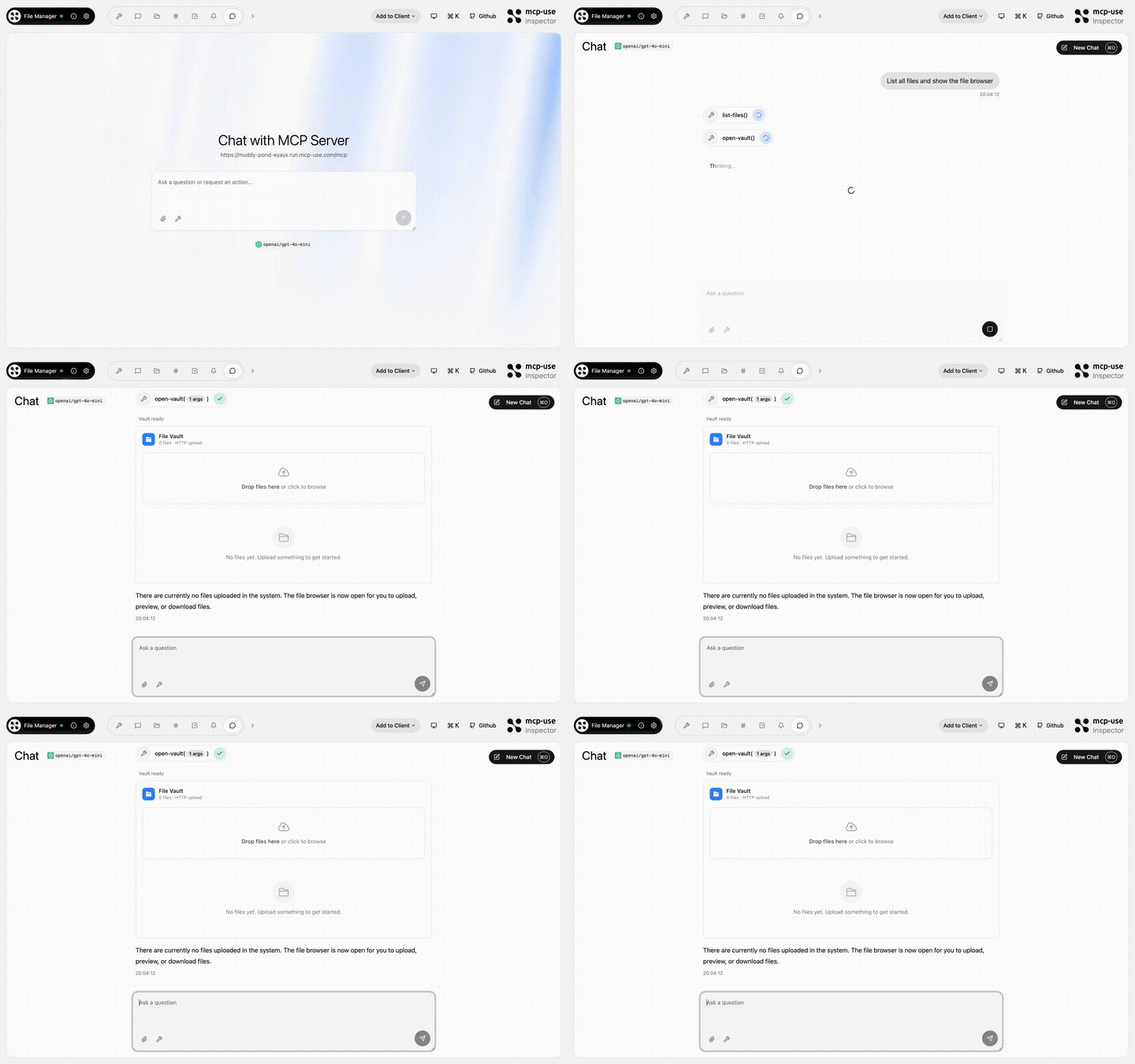 |
File Manager | open-vault, get-file, list-files |
Open URL | mcp-use/mcp-file-manager | |
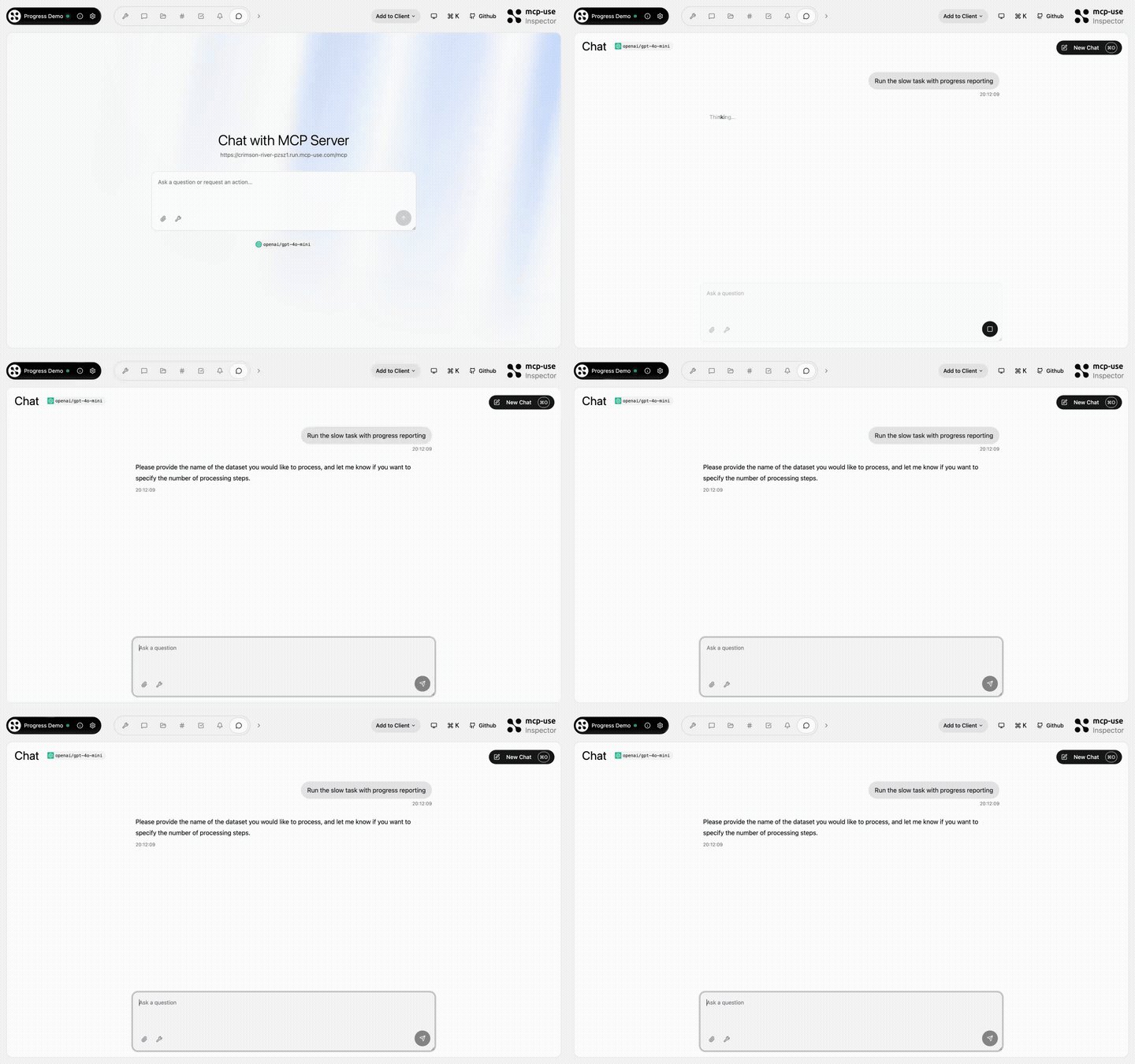 |
Progress Demo | process-data, fetch-report, delete-dataset, search-external, failing-tool |
Open URL | mcp-use/mcp-progress-demo | |
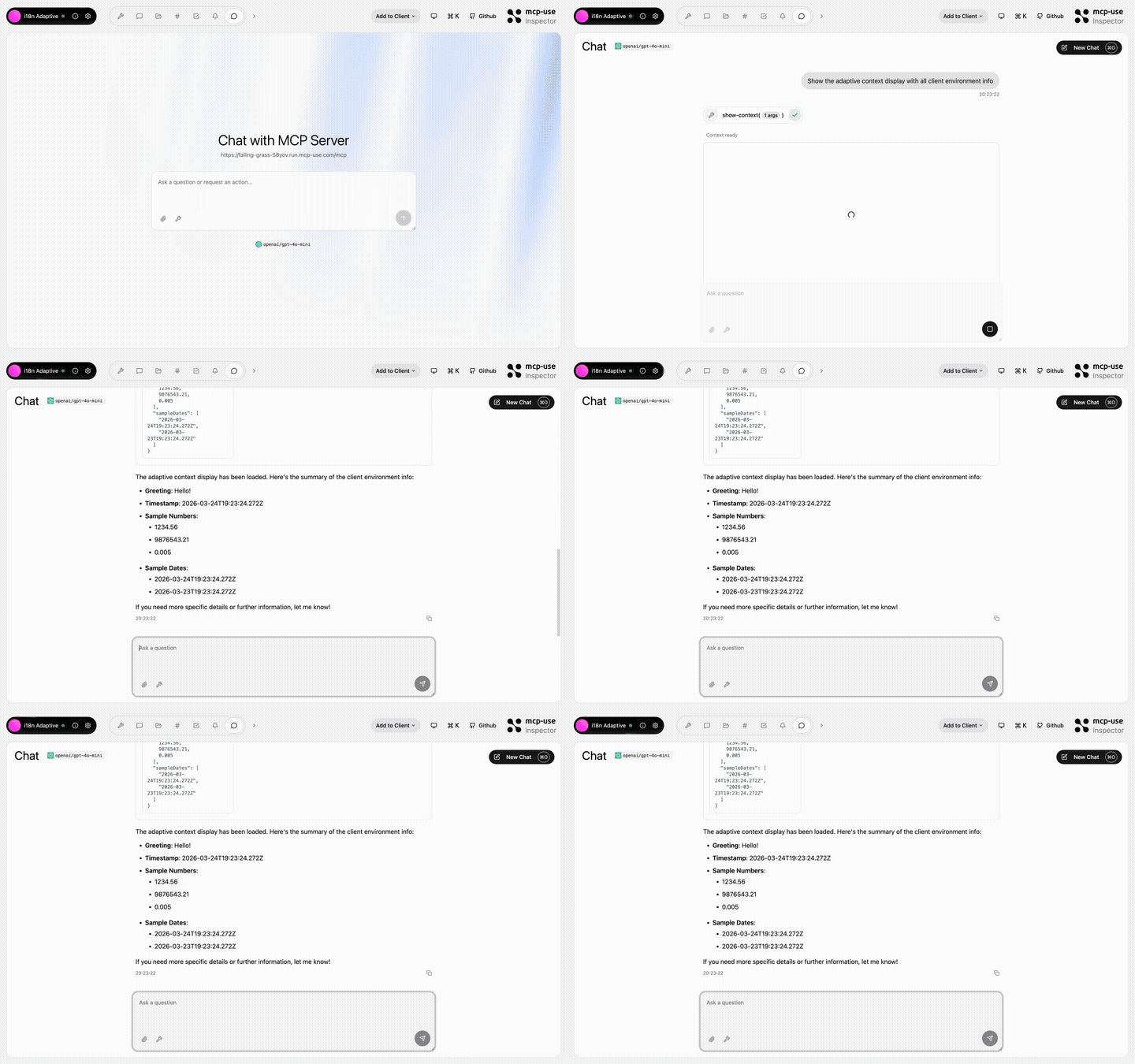 |
i18n Adaptive | show-context, detect-caller |
Open URL | mcp-use/mcp-i18n-adaptive | |
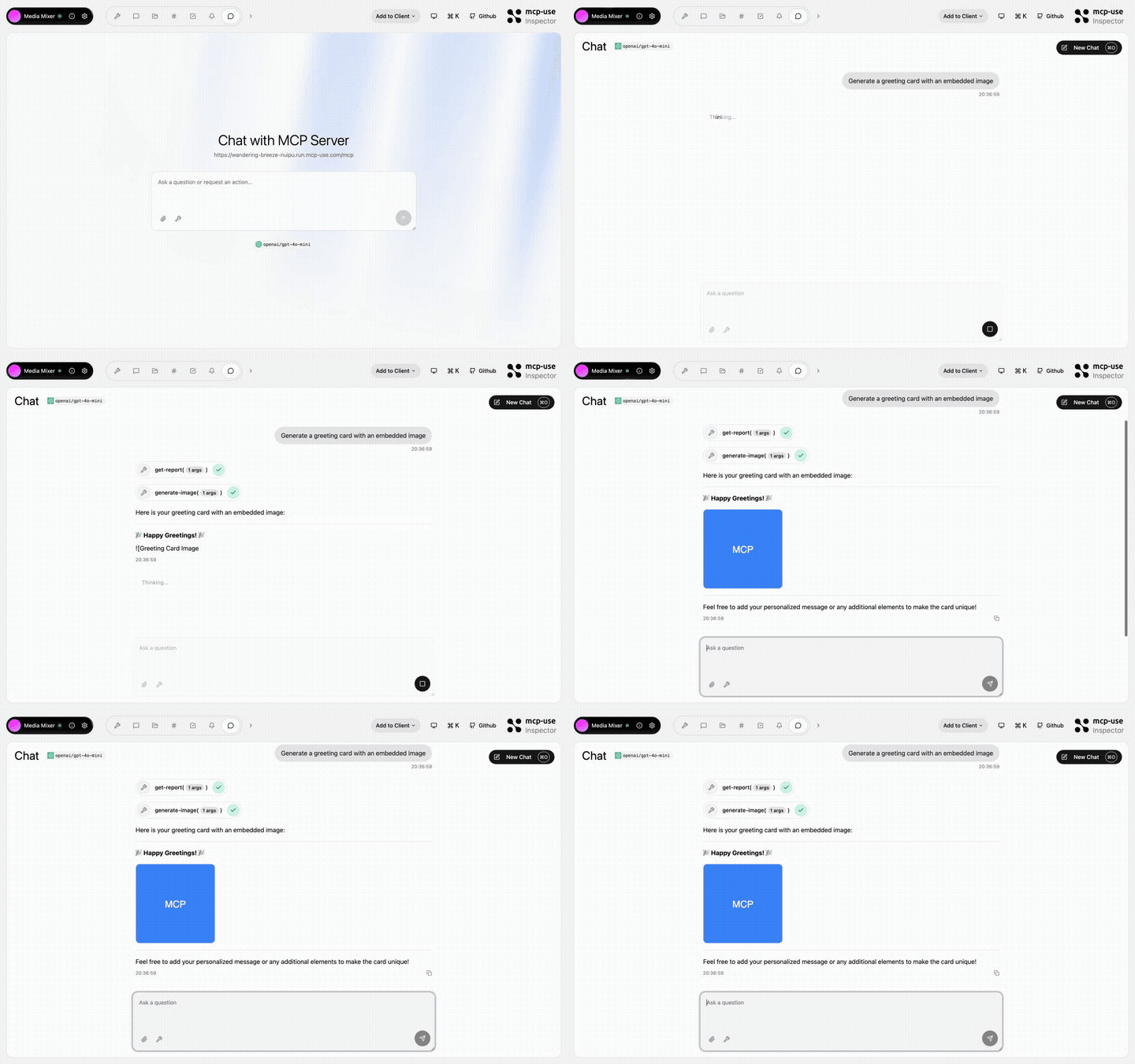 |
Media Mixer | generate-image, generate-audio, generate-pdf, get-report, get-html-snippet, get-xml-config, get-stylesheet, get-script, get-data-array |
Open URL | mcp-use/mcp-media-mixer | |
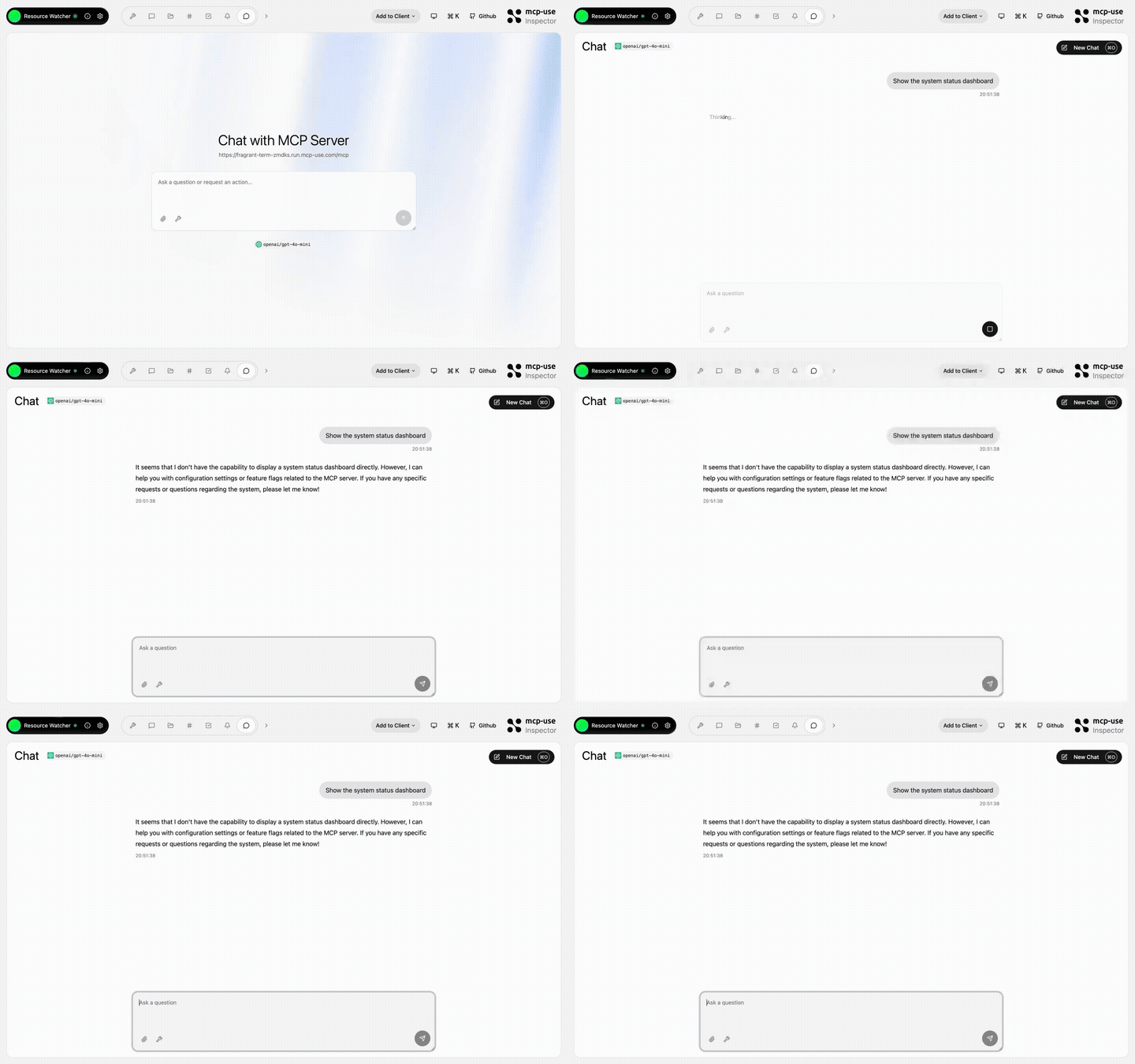 |
Resource Watcher | show-config, update-config, toggle-feature, list-roots |
Open URL | mcp-use/mcp-resource-watcher | |
 Python

pip install mcp-use
from typing import Annotated

from mcp.types import ToolAnnotations
from pydantic import Field

from mcp_use import MCPServer

server = MCPServer(name="Weather Server", version="1.0.0")

@server.tool(
    name="get_weather",
    description="Get current weather information for a location",
    annotations=ToolAnnotations(readOnlyHint=True, openWorldHint=True),
)
async def get_weather(
    city: Annotated[str, Field(description="City name")],
) -> str:
    return f"Temperature: 72°F, Condition: sunny, City: {city}"

# Start server with auto-inspector
server.run(transport="streamable-http", port=8000)
# 🎉 Inspector at http://localhost:8000/inspector
→ Full Python Server Documentation
Inspector
The mcp-use Inspector lets you test and debug your MCP servers interactively.
Auto-mounted in local development when @mcp-use/inspector is installed as a dev dependency:
npm run dev
# Inspector at http://localhost:3000/mcp/inspector
Production server.listen() and mcp-use start expose only the MCP server, not the Inspector.
Online when connecting to hosted MCP servers:
Standalone: inspect any MCP server:
npx @mcp-use/inspector --url http://localhost:3000/mcp
Visit Inspector Documentation
Deploy
Deploy your MCP server to production:
npx @mcp-use/cli login
npx @mcp-use/cli deploy
Or connect your GitHub repo on manufact.com — production-ready with observability, metrics, logs, and branch-deployments.
Package Overview
This monorepo contains multiple packages for both Python and TypeScript:
Python Packages
| Package | Description | Version |
|---|---|---|
| mcp-use | Complete MCP server and MCP agent SDK | |
TypeScript Packages
| Package | Description | Version |
|---|---|---|
| mcp-use | Core framework for MCP servers, MCP apps, and MCP agents | |
| @mcp-use/cli | Build tool with hot reload and auto-inspector |  |
| @mcp-use/inspector | Web-based previewer and debugger for MCP servers |  |
| create-mcp-use-app | Project scaffolding tool |  |
Also: MCP Agent & Client
mcp-use also provides a full MCP Agent and Client implementation.
Build an AI Agent
Python
pip install mcp-use langchain-openai
import asyncio
from langchain_openai import ChatOpenAI
from mcp_use import MCPAgent, MCPClient

async def main():
    config = {
        "mcpServers": {
            "filesystem": {
                "command": "npx",
                "args": ["-y", "@modelcontextprotocol/server-filesystem", "/tmp"]
            }
        }
    }

    client = MCPClient.from_dict(config)
    llm = ChatOpenAI(model="gpt-4o")
    agent = MCPAgent(llm=llm, client=client)

    result = await agent.run("List all files in the directory")
    print(result)

asyncio.run(main())
→ Full Python Agent Documentation
TypeScript
npm install @mcp-use/client @mcp-use/agent @langchain/openai
import { ChatOpenAI } from "@langchain/openai";
import { MCPAgent } from "@mcp-use/agent";
import { MCPClient } from "@mcp-use/client";

async function main() {
  const config = {
    mcpServers: {
      filesystem: {
        command: "npx",
        args: ["-y", "@modelcontextprotocol/server-filesystem", "/tmp"],
      },
    },
  };

  const client = MCPClient.fromDict(config);
  const llm = new ChatOpenAI({ modelName: "gpt-4o" });
  const agent = new MCPAgent({ llm, client });

  const result = await agent.run("List all files in the directory");
  console.log(result);
}

main();
Use MCP Client
Python
import asyncio
from mcp_use import MCPClient

async def main():
    config = {
        "mcpServers": {
            "calculator": {
                "command": "npx",
                "args": ["-y", "@modelcontextprotocol/server-everything"]
            }
        }
    }

    client = MCPClient.from_dict(config)
    await client.create_all_sessions()

    session = client.get_session("calculator")
    result = await session.call_tool(name="add", arguments={"a": 5, "b": 3})

    print(f"Result: {result.content[0].text}")
    await client.close_all_sessions()

asyncio.run(main())
TypeScript
import { MCPClient } from "@mcp-use/client";

async function main() {
  const config = {
    mcpServers: {
      calculator: {
        command: "npx",
        args: ["-y", "@modelcontextprotocol/server-everything"],
      },
    },
  };

  const client = new MCPClient(config);
  await client.createAllSessions();

  const session = client.getSession("calculator");
  const result = await session.callTool("add", { a: 5, b: 3 });

  console.log(`Result: ${result.content[0].text}`);
  await client.closeAllSessions();
}

main();
Conformance to Model Context Protocol


Security
See SECURITY.md
Community & Support
- Discord: Join our community
- GitHub Issues: Report bugs or request features
- Documentation: mcp-use.com/docs
- Website: manufact.com
- X.com: Follow Manufact
- Contributing: See CONTRIBUTING.md
- License: MIT © MCP-Use Contributors
Star History
Contributors
Thanks to all our amazing contributors!
Core Contributors
- Pietro (@pietrozullo)
- Luigi (@pederzh)
- Enrico (@tonxxd)
San Francisco | Zürich