 Michael Ramos
72b8ae069d
Michael Ramos
72b8ae069d
Adds a config-only `markdownExtensions` key to ~/.plannotator/config.json,
e.g. { "markdownExtensions": [".livemd"] } for Livebook notebooks. A listed
extension is accepted everywhere .md is on the annotate path: CLI target
resolution, folder discovery and the file browser, /api/doc plus relative and
wiki-link navigation between sibling docs, the 2MB size cap, and per-file
version history. Listed extensions render as markdown with frontmatter
stripped, never as raw HTML, and they only widen the accepted set.

Design:
- packages/core/annotatable.ts stays browser-safe and zero-dep. Its regexes
  and predicates now take an optional, defaulted-empty list of extra
  extensions, plus a normalizer and regex builders.
- packages/shared/markdown-extensions.ts is the node-side seam: it reads
  config.json once per process through the existing loadConfig() and threads
  the normalized list into those pure functions. resolve-file re-exports the
  config-aware predicates so both runtimes pick them up; the Bun server, the
  Pi mirror, the OpenCode plugin and the CLI all go through them.
- The annotate /api/plan payload ships the resolved list so the renderer can
  linkify links to sibling documents (module-level UI registry, empty by
  default, so nothing changes without config).

Validation: entries must be dot-led, lowercase-normalized, and free of path
separators, globs and whitespace. Invalid entries are dropped silently,
built-ins are deduplicated, and `.env` is denylisted so config can never
register it (annotate copies file contents into the data dir).

Deliberately unchanged: the Pi plan-write allowlist (ALLOWED_PLAN_EXTENSIONS
in tool-scope.ts) and Edit Mode source save (SOURCE_SAVE_FILE_REGEX), which
keep their own narrower allowlists.
@plannotator/opencode
Annotate plans. Not in the terminal.
Interactive Plan Review for OpenCode. Select the exact parts of the plan you want to change—mark for deletion, add a comment, or suggest a replacement. Feedback flows back to your agent automatically.
Obsidian users can auto-save approved plans to Obsidian as well. See details
Watch Demo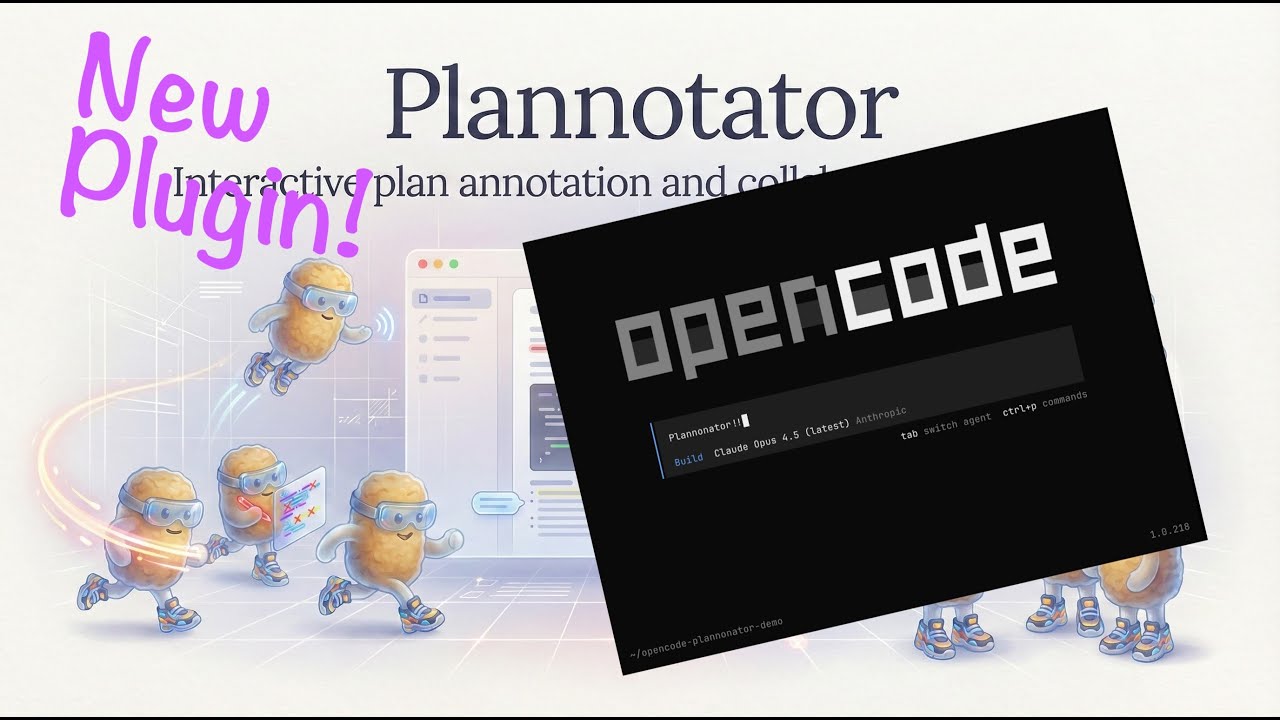
|
Install
OpenCode 2 beta
Install OpenCode 2 from npm's next tag, then add Plannotator to the V2 plugins field:
{
  "$schema": "https://opencode.ai/config.json",
  "plugins": [
    {
      "package": "@plannotator/opencode@latest",
      "options": {
        "workflow": "plan-agent",
        "planningAgents": ["plan"]
      }
    }
  ]
}
Restart OpenCode 2 and verify that plannotator appears in opencode2 plugin list.
OpenCode 2 support is experimental while its plugin API is in beta. The core submit_plan review flow works, but the current API has these limitations:
- OpenCode 2 does not expose a native slash-command execution hook. Its command definitions expand to model prompts, so
/plannotator-review,/plannotator-annotate, and/plannotator-lastremain OpenCode 1-only instead of silently becoming model-mediated commands. - V2 tool execution does not expose an abort signal. Cancelling a turn cannot yet stop a running review server or CLI child immediately.
- The V2 plugin context cannot switch the active session agent. Agent switching selected in the review UI is ignored with a server-log warning; switch to
buildmanually after approval before implementation. - The V2 plugin context has no TUI toast/log API, so remote session URLs are written to the server output rather than shown as a toast.
OpenCode 1
Add to your opencode.json:
{
  "$schema": "https://opencode.ai/config.json",
  "plugin": ["@plannotator/opencode@latest"]
}
Restart OpenCode. By default, the submit_plan tool is available to OpenCode's plan agent, not to build or other primary agents.
OpenCode 1 slash commands: Run the install script to get
/plannotator-review,/plannotator-annotate, and/plannotator-last:curl -fsSL https://plannotator.ai/install.sh | bashThis also clears any cached plugin versions.
Workflow Modes
The examples below use the OpenCode 1 config shape. OpenCode 2 places the same option keys under the plugin entry's options object shown above. In V2, manual intentionally registers no tool and native slash-command handlers are unavailable, so it currently leaves the integration inactive.
plan-agent(default):submit_planis available to OpenCode's built-inplanagent plus any extra agents listed inplanningAgents. This keeps Plannotator integrated with OpenCode plan mode without nudgingbuildto call it.manual:submit_planis not registered. Use/plannotator-last,/plannotator-annotate, and/plannotator-reviewwhen you want Plannotator.user-managed:submit_planis registered but no prompts or agent permissions are modified. You manage which agents can callsubmit_planvia OpenCode's native agent configuration.all-agents: legacy broad behavior. Primary agents can see and callsubmit_plan.
Default config:
{
  "$schema": "https://opencode.ai/config.json",
  "plugin": [
    ["@plannotator/opencode@latest", {
      "workflow": "plan-agent",
      "planningAgents": ["plan"]
    }]
  ]
}
Runtime selection is automatic. In Bun-hosted OpenCode, Plannotator uses the embedded server bundled with the plugin. In Node-hosted or wrapped OpenCode environments, the plugin falls back to the installed plannotator CLI and sends the result back through OpenCode. You can force the fallback while debugging:
{
  "$schema": "https://opencode.ai/config.json",
  "plugin": [
    ["@plannotator/opencode@latest", {
      "runtime": "cli"
    }]
  ]
}
If you use other OpenCode plugins, keep everything in one plugin array and attach Plannotator's options directly to the Plannotator entry:
{
  "$schema": "https://opencode.ai/config.json",
  "plugin": [
    ["@plannotator/opencode@latest", {
      "workflow": "plan-agent",
      "planningAgents": ["plan", "sisyphus"]
    }],
    "@tarquinen/opencode-dcp@latest",
    "octto",
    "oh-my-opencode-slim"
  ]
}
Do not put { "workflow": "plan-agent" } as its own item in the plugin array. OpenCode plugin entries must be either a plugin string or a two-item array like [pluginName, options].
Restore the old broad behavior:
{
  "$schema": "https://opencode.ai/config.json",
  "plugin": [
    ["@plannotator/opencode@latest", {
      "workflow": "all-agents"
    }]
  ]
}
Use commands only:
{
  "$schema": "https://opencode.ai/config.json",
  "plugin": [
    ["@plannotator/opencode@latest", {
      "workflow": "manual"
    }]
  ]
}
Register the tool but manage prompts and permissions yourself:
{
  "$schema": "https://opencode.ai/config.json",
  "plugin": [
    ["@plannotator/opencode@latest", {
      "workflow": "user-managed"
    }]
  ]
}
How It Works
- The configured planning agent calls
submit_plan→ Plannotator opens in your browser - Select text → annotate (delete, replace, comment)
- Approve → Agent proceeds with implementation
- Request changes → Annotations sent back as structured feedback
Features
- Visual annotations: Select text, choose an action, see feedback in the sidebar
- Local by default: Plans, annotations, drafts, history, and configuration stay local. Every app load checks GitHub for updates without sending plan content, and there is currently no opt-out setting; URL annotation, hosted PR review, AI, sharing, and Workspaces use the network when selected.
- Legacy link sharing: Small markdown shares use compressed, unencrypted URL fragments. Larger and raw HTML shares can use client-encrypted short links. Workspaces is the primary direction for team sharing.
- Plan Diff: See what changed when the agent revises a plan after feedback
- Annotate last message: Run
/plannotator-lastto annotate the agent's most recent response - Annotate files, folders, and URLs: Run
/plannotator-annotatewhen you want manual review of an artifact - Obsidian integration: Auto-save approved plans to your vault with frontmatter and tags
Environment Variables
| Variable | Description |
|---|---|
PLANNOTATOR_REMOTE |
Set to 1 / true for remote mode, 0 / false for local mode, or leave unset for SSH auto-detection. Uses a fixed port in remote mode; browser-opening behavior depends on the environment. |
PLANNOTATOR_PORT |
Fixed port to use. Default: random locally, 19432 for remote sessions. |
PLANNOTATOR_BROWSER |
Custom browser to open plans in. macOS: app name or path. Linux/Windows: executable path. |
PLANNOTATOR_SHARE_URL |
Custom share portal URL for self-hosting. Default: https://share.plannotator.ai. |
PLANNOTATOR_PASTE_URL |
Custom paste service URL for self-hosting. Default: https://plannotator-paste.plannotator.workers.dev. |
PLANNOTATOR_PLAN_TIMEOUT_SECONDS |
Timeout for submit_plan review wait. Default: 345600 (96h). Set 0 to disable timeout. |
PLANNOTATOR_BIN |
Override the CLI path used by the OpenCode plugin's CLI runtime fallback. Default: plannotator on PATH. |
Devcontainer / Docker
Works in containerized environments. Set the env vars and forward the port:
{
  "containerEnv": {
    "PLANNOTATOR_REMOTE": "1",
    "PLANNOTATOR_PORT": "9999"
  },
  "forwardPorts": [9999]
}
If nothing opens automatically, open http://localhost:9999 when submit_plan is called.
See devcontainer.md for full setup details.
Obsidian Integration
Save approved plans directly to your Obsidian vault.
- Open Settings in Plannotator UI
- Enable "Obsidian Integration" and select your vault
- Approved plans save automatically with:
- Human-readable filenames:
Title - Jan 2, 2026 2-30pm.md - YAML frontmatter (
created,source,tags) - Auto-extracted tags from plan title and code languages
- Backlink to
[[Plannotator Plans]]for graph view
- Human-readable filenames:
Links
License
Copyright 2025 backnotprop Licensed under MIT or Apache-2.0.